January 13, 2026 • 5 min read

January 13, 2026 • 5 min read
You want to see how other travel-backpack brands advertise. You open an ad library, look for a “travel bags” category and find no obvious place to select it.
You haven't necessarily missed a button. Different libraries organize ads differently. Meta's ad-category selector is not a shopping-category menu. TikTok's Top Ads dashboard does offer an Industry filter. For Google, start with an advertiser name or website.
My starting point would be a small group of brands selling a comparable product to a comparable customer. That gives you a useful collection to study even when the library has no industry filter.
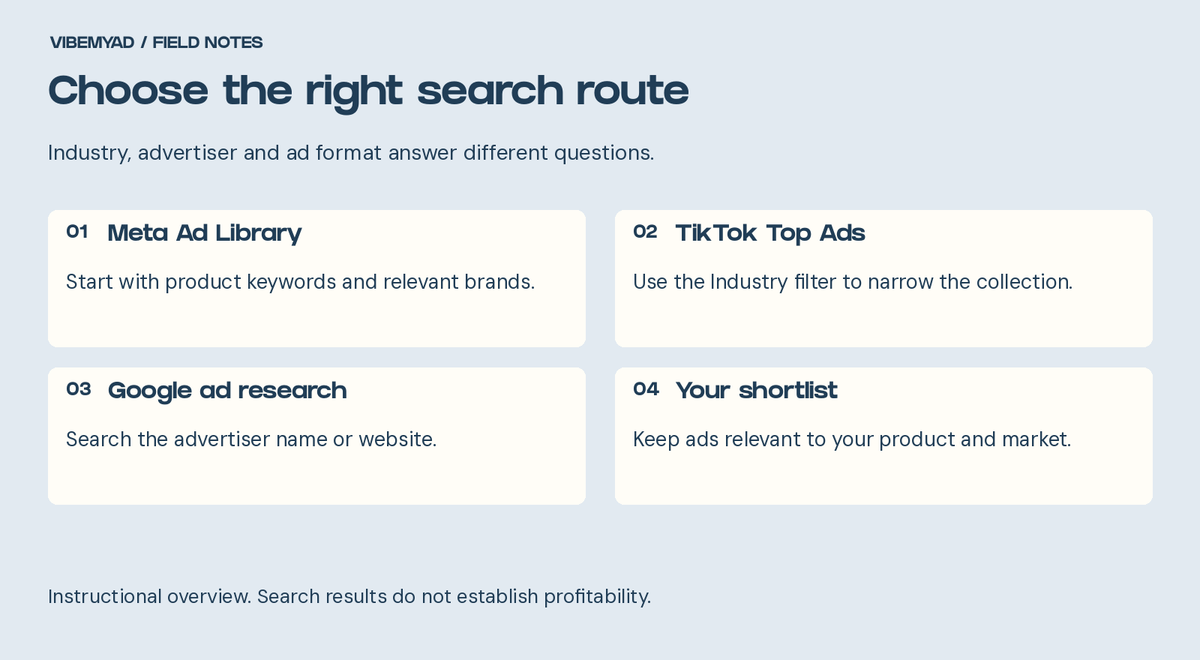
Choose the search route that fits your task. This is an instructional guide, not an interface screenshot.
“Fashion” is too broad if you sell a backpack for short business trips. An evening dress and a commuter bag share an industry label, but their ads answer different buying questions.
Write a one-sentence brief before searching: “I want to study US ads for travel backpacks bought by people who carry a laptop and pack for short trips.” Then add the price range you want to compare.
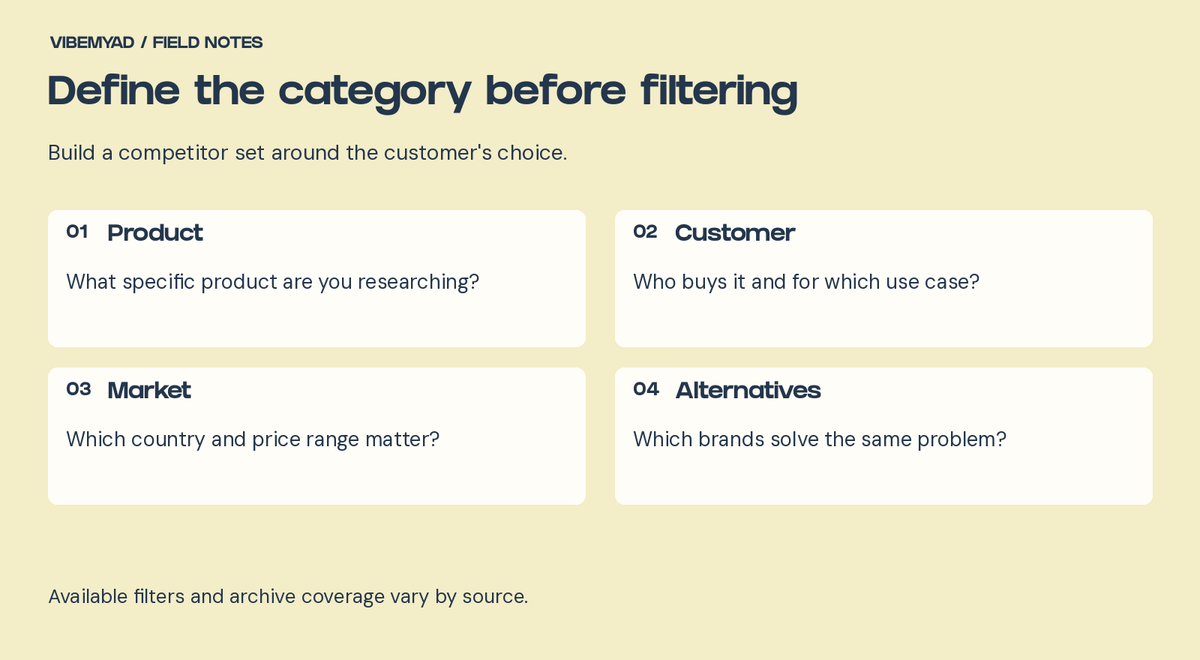
Define the category before filtering
Pick five relevant brands as a manageable starting point. They can sell similar products or solve the same customer problem in a different way. Keep those two groups separate, so a useful adjacent idea does not become a misleading direct comparison.
A luggage brand might give you a helpful packing demonstration. A luxury handbag campaign might offer styling inspiration. Neither automatically tells you how to sell your backpack.
Open Meta Ad Library, choose the country you are researching and select All ads for ordinary commercial products. Search a product term or advertiser name.
For our hypothetical backpack brand, try “travel backpack,” then “carry-on bag” and “laptop backpack.” These are suggested research searches, not keywords with verified search volume. Check each result's product and advertiser before adding it to your list.
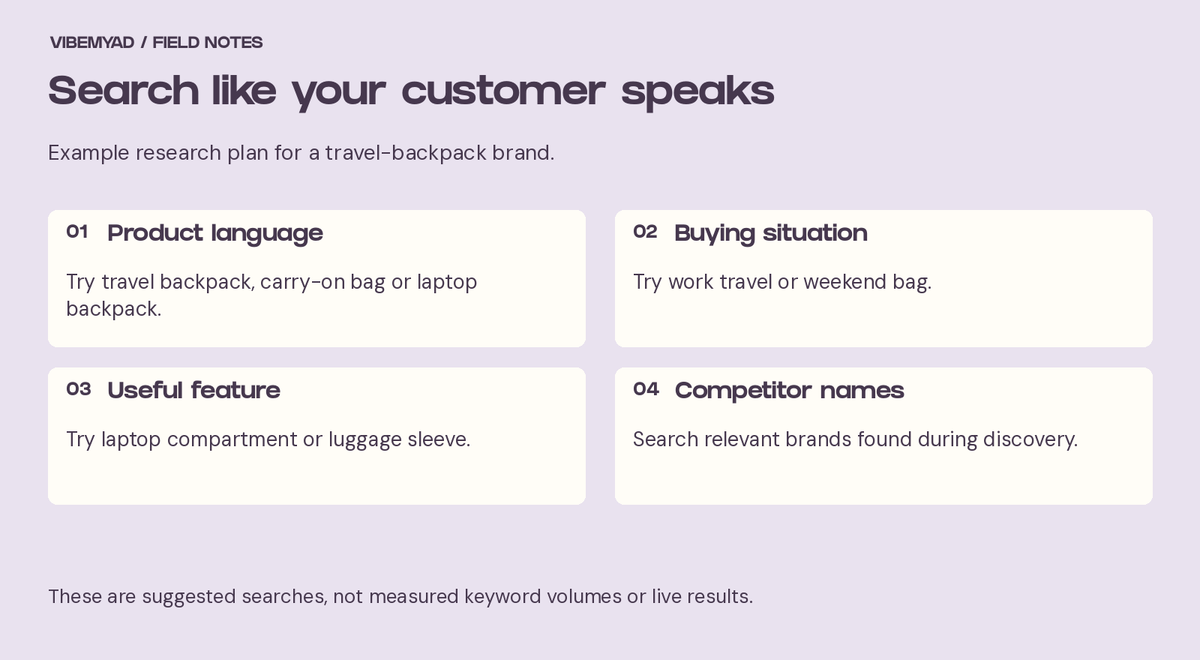
A hypothetical search plan. These phrases are not measured keyword-volume findings.
When a relevant brand appears, search its Page directly. Product-keyword searches help you discover advertisers; a brand search helps you inspect that advertiser's available creative more closely. Our brand ad-search walkthrough covers identity checks and missing results.
After finding relevant ads, use the available platform, media-type and language filters to narrow the collection. Start broad and add one filter at a time. Record the country and filters you used, especially if someone else will repeat the search.
Don't expect a product search to retrieve every relevant ad. A backpack ad might lead with a commute, a packing problem or a brand name instead of your chosen phrase. Combine several searches with your competitor list.
Open TikTok Creative Center's Top Ads dashboard. Choose your region, open Industry and select the closest available category. Narrow further with the available controls, such as campaign objective, when they help answer your research question.
TikTok's documentation confirms those filters and explains that featured ads are authorized by advertisers. Treat Top Ads as a selected inspiration collection, not a complete record of every competitor campaign.
Watch each shortlisted video beyond the opening. Note how it introduces the product, demonstrates its use and asks for the next action. A strong first three seconds might attract attention while the demonstration later in the video explains the purchase.
Keep the metric you are studying in view. An engagement signal does not, by itself, tell you whether an ad generated profitable orders for a comparable business.
Once you have relevant advertiser names, check them in Google Ads Transparency Center. You can search by advertiser name or website and filter by serving region and date, as Google's help page explains.
Use this to look at how the same brands present products across Google's advertising surfaces. Keep the source attached to each saved reference. A search ad's wording and a social video's opening do different jobs, so compare them with that context.
Once the collection is relevant, industry has done its job. Now sort the ads by what they are trying to communicate.
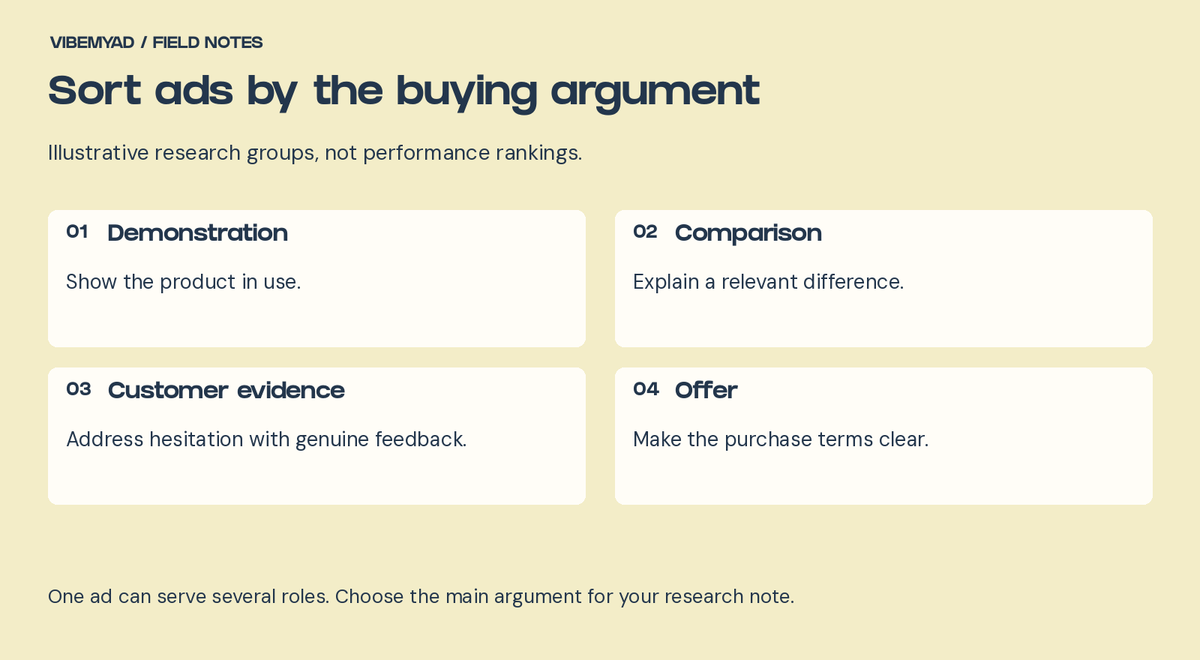
Sort ads by the buying argument
For the backpack example, I would make these groups:
These labels belong in your research notes. They are not a promise that every library provides matching filters. One ad can belong to more than one group.
Save the source link, advertiser, date observed and a short note about the buying argument. Keep repeated versions together so ten near-identical ads don't look like ten separate ideas.
You can use Vibemyad Ad Spider to track relevant brands and review ads organized by format, style and concept. Check automated labels against the creative itself. They help organize research; they do not replace your judgment about product relevance.
Suppose several relevant brands show what fits inside a bag. That gives you a sensible question: would a packing demonstration help your customer understand your product better than a closed-bag photograph?
It does not establish that those competitors are profitable. Repeated versions and longer observed activity are reasons to investigate, not a substitute for purchase results.
Write down the hypothesis, the product facts you can support and the creative you would make. Then use your own results to decide what deserves another variation. Our D2C ad research guide covers that handoff, and the creative testing guide explains how to structure the test.
If you want help with the research and the ads that follow, Vibemyad Marketing Agency can handle both. Bring your product, market and current creative so the work starts with your business.
Get notified when new insights, case studies, and trends go live — no clutter, just creativity.
Table of Contents


Rahul Mondal
Product, Design and Co-founder, Vibemyad

Rahul Mondal
Product, Design and Co-founder, Vibemyad

Rahul Mondal
Product, Design and Co-founder, Vibemyad