January 13, 2026 • 16 min read

January 13, 2026 • 16 min read
You logged into Facebook Ads Manager this morning and your heart sank.
Yesterday's ROAS: 3.2. Today's ROAS: 0.7.
Same ads. Same budget. Same targeting. But your cost per purchase just tripled, and you're bleeding money with every refresh of the dashboard.
You're not alone. This exact Facebook ads performance crash scenario plays out for hundreds of advertisers every single day—and 90% of the time, it's one of five fixable problems with your Meta ads tracking, targeting, or creative.
This troubleshooting guide walks you through the exact diagnostic process to identify why your ROAS dropped overnight and the specific fixes that work in 24-48 hours. No guessing. No panic. Just systematic Facebook ads troubleshooting based on the most common root causes.
• Most common cause (40%): Tracking and attribution issues—Meta isn't seeing your conversions properly
• Second most common (25%): Budget or targeting changes triggered a learning reset
• Check Event Match Quality FIRST: Go to Events Manager—if score is below 6.0, that's your problem
• The 24-hour diagnostic: Rule out tracking → Check recent changes → Verify platform status → Apply targeted fix
• Quick wins: Revert recent budget increases, check for duplicate pixel events, verify your pixel is firing
• Time to recovery: Tracking fixes (2-4 hours), budget resets (3-7 days), creative refresh (3-5 days)
• Prevention tools: Server-side tracking (Elevar, Triple Whale), automated competitor monitoring (Vibemyad for creative insights), daily Event Quality checks
Before panicking and changing everything in your Meta ads account, understand that ROAS drops almost always fall into one of five categories—and each has a different fix.
This is the most common culprit, and the good news? It's usually the fastest to fix.
What's happening: Your ads are actually converting, but Meta can't see the conversions. So the algorithm thinks your ads are failing and starts showing them to worse audiences.
Common tracking problems:
• iOS 14+ data loss: Browser tracking limitations mean conversions aren't being attributed
• Event Match Quality below 6.0: Meta has lost trust in your conversion signals
• Pixel not firing: A website update broke your pixel implementation
• Duplicate events: Your pixel is firing twice per conversion, creating false data
• Server-side tracking misconfigured: Your CAPI setup has errors
• Attribution window changed: You're comparing 7-day click data to 28-day view data
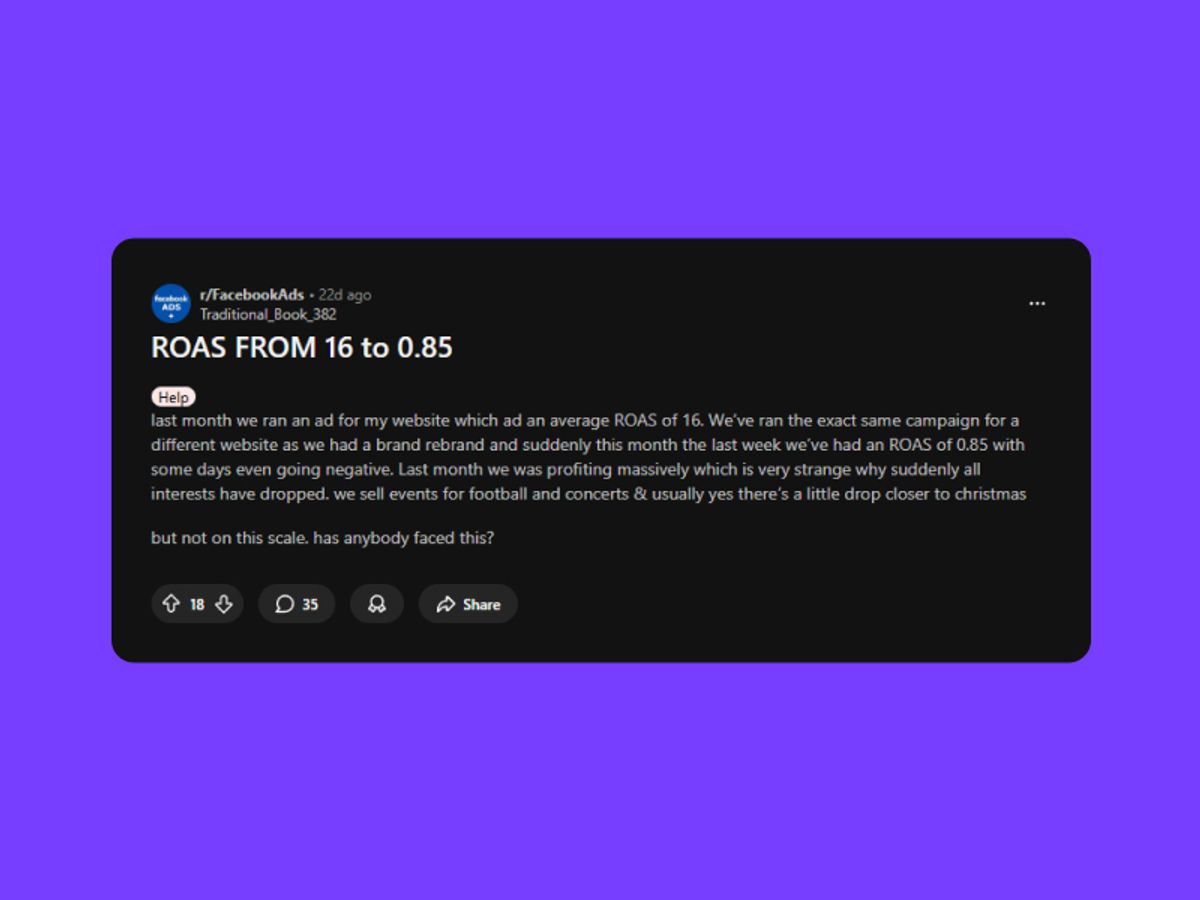
Read the full thread with 61 similar cases
One advertiser described it perfectly: "My Shopify showed 47 orders. Ads Manager showed 12. Meta was optimizing for an audience that didn't exist."
Budget changes—even increases—can trigger learning resets that crater performance.
What's happening: The algorithm treats budget changes as a signal to re-learn your audience from scratch. During this re-learning period (2-4 weeks with Andromeda), performance becomes volatile.
Common budget problems:
• Budget increased yesterday: Even a 20% increase can trigger complete learning reset
• Campaign duplicated: You created competition between identical ad sets
• Daily vs. lifetime budget switch: Pacing changed dramatically
• Bid cap set too low: You're not winning auctions anymore
• Spend suddenly spiked: CPMs increased with same inventory
The pattern: You scaled successfully, saw great performance, increased budget to capitalize, and everything collapsed within 48 hours.
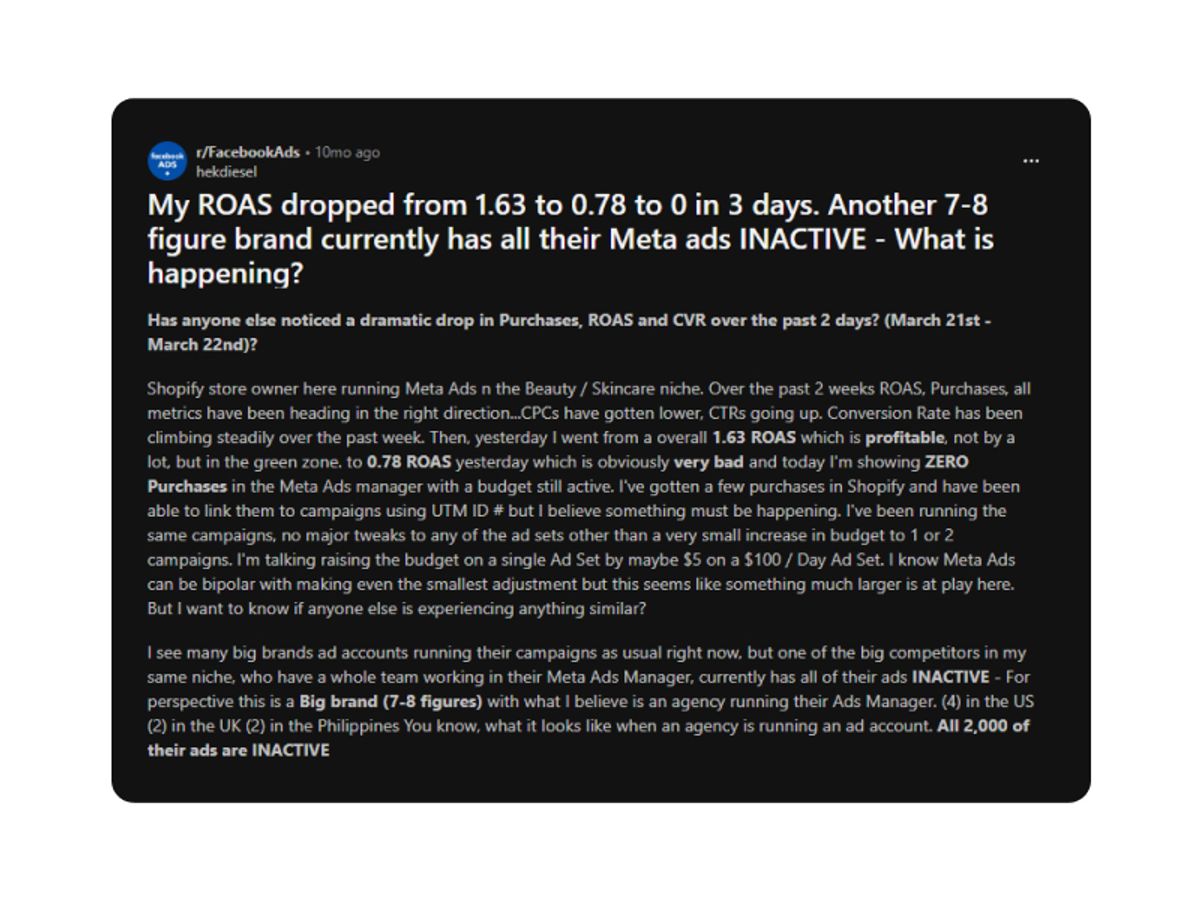
Real case: ROAS dropped from 2.80 to 0.60 immediately after budget doubled.
Your targeting became either too restrictive (algorithm can't find people) or too broad (wrong people seeing ads).
What's happening: The algorithm is showing your ads, getting clicks, but the people clicking aren't your buyers.
Common targeting problems:
• Interest stacking: Too many restrictive interests (yoga + meditation + wellness + organic + sustainable)
• Lookalike audience changed: Facebook updated the seed audience
• Custom audience expired: People aged out or data became stale
• Retargeting pixel issues: Can't properly track website visitors
• Geographic targeting too narrow: 5-mile radius instead of 25-mile
If your CTR stayed stable but conversions dropped, this is likely your issue.
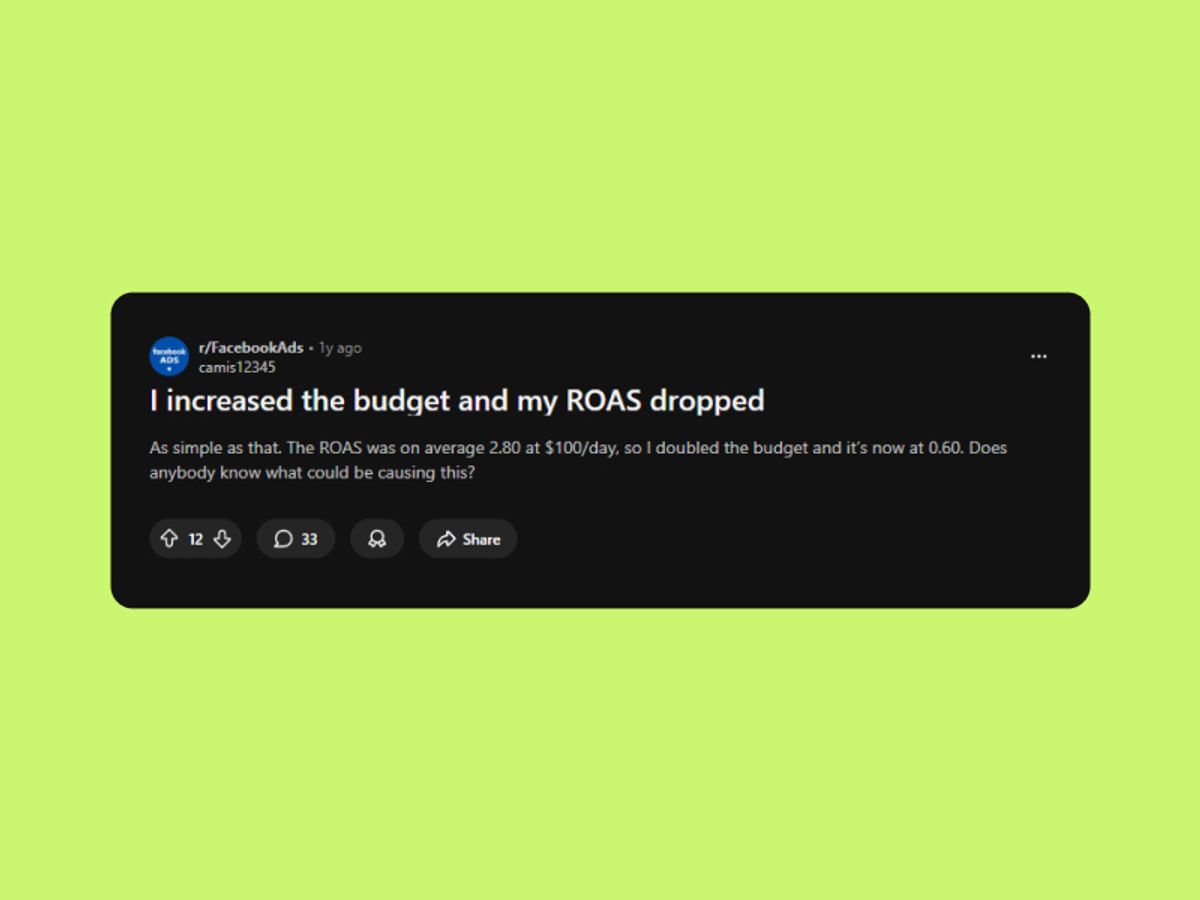
If your CTR stayed stable but conversions dropped, this is likely your issue.
Your audience has seen your ad too many times, or Meta has flagged quality issues.
What's happening: Frequency is too high (same people seeing ads 5-10+ times), or Meta's algorithm has determined your creative quality declined.
Common creative problems:
• Ad fatigue: Frequency above 3-4 in a 7-day window
• Creative relevance score dropped: Engagement rates declined
• Ads disapproved or flagged: Account action or policy violation
• Video/image corruption: File format issues
• Lack of creative diversity: Only 1-2 ad variations running
The signal: Your CPM increased significantly while CTR declined.
Sometimes it's not you—it's Meta.
What's happening: Platform-wide algorithm updates, auction pressure changes, or temporary system issues.
Common platform problems:
• Seasonal CPM spikes: Holiday competition, back-to-school, Q4
• Algorithm updates: Andromeda, Advantage+ changes
• Placement shifts: Suddenly appearing in lower-performing placements
• Temporary Meta issues: Platform bugs or outages
If your competitors are also experiencing drops, it's likely platform-wide.
Here's the systematic approach to identify your specific Meta ads performance problem—don't skip steps or you'll miss the real issue.
Before changing anything, confirm you have an actual problem (not just normal variance).
Check these metrics:
Compare 7-day windows (not 24-hour—too volatile)
• This week vs. last week at same day/time
• Look at ROAS trend, not single-day snapshot
Pull data from multiple sources:
• Ads Manager: What does Meta report?
• Google Analytics: What does GA4 show?
• Shopify/Platform: What are actual orders?
Check all campaigns: Is it one campaign or account-wide?
The question you're answering: Did performance actually crash, or is this normal day-to-day variance?
If your "drop" is from 3.2 ROAS to 2.8 ROAS over 24 hours, that's normal volatility. If it's 3.2 to 0.8, you have a real problem.
⚡ Quick Win: Export last 14 days of performance into a spreadsheet. Look for the exact day/time the drop started. What changed in your account at that moment?
40% of ROAS crashes are tracking problems. Check this FIRST before changing anything else.
Step 1: Check Event Match Quality
Go to Ads Manager → Events Manager → Data Sources
Click on your pixel → Overview tab
Look at Event Match Quality (EMQ) score
What the score means:
• 6.0+: Good tracking, not your problem
• 5.0-5.9: Degraded tracking, likely causing issues
• Below 5.0: Severe tracking problems, this is your issue
If your EMQ is below 6.0, skip to the tracking fix section immediately.
Step 2: Verify Pixel is Actually Firing
Go to your website
Right-click → Inspect → Network tab
Type "fbq" in the search filter
Complete a test purchase
You should see: PageView, AddToCart, InitiateCheckout, Purchase events fire
If you don't see these events, your pixel is broken.
Step 3: Check for Duplicate Events
Events Manager → Overview → Activity
Look at last 24 hours of Purchase events
Compare "Events Received" vs. "Valid Events"
If the same purchase is firing 2-3x, you have duplicate events. This makes Meta think your CPA is 1/3 of actual cost.
Step 4: Verify Conversion Values Are Correct
Events Manager → Purchase event details
Check recent conversion values
Red flags:
• All conversions showing as $1.00 (placeholder value, not actual)
• $0 or negative values
• Values that don't match your actual product prices
If tracking is your issue, jump to "Fix #1: Repair Tracking" below.
Most performance drops correlate with something you changed (or something Meta changed for you).
Go to: Ads Manager → Settings → Account Change History
Look for these changes in the last 7 days:
Budget changes:
• ☐ Did you increase budget yesterday? (Learning reset trigger)
• ☐ Did you duplicate any campaigns? (Creates internal competition)
• ☐ Did spend suddenly spike without budget increase? (CPM surge)
Targeting changes:
• ☐ Did you narrow targeting? (Too restrictive now)
• ☐ Did you add new interests? (Changed audience significantly)
• ☐ Did custom audience expire? (Check audience size—did it drop?)
Creative changes:
• ☐ Were any ads rejected or flagged?
• ☐ Did you pause winning creatives?
• ☐ Did you enable Advantage+ Creative or AI enhancements?
Campaign structure changes:
• ☐ Did you move from ABO to CBO or vice versa?
• ☐ Did you change bid strategy?
The pattern: If you find a change made 1-3 days before the drop, that's your smoking gun.
⚡ Quick Win: If you increased budget in the last 48 hours, revert it immediately. Wait 3-7 days. 70% of budget-related drops recover just from reverting.
Sometimes it's not you—it's Meta having issues.
Check these sources:
Meta Business Status: https://business.facebook.com/status
• Look for reported issues with Ads delivery or conversion tracking
Twitter/X search: "#FacebookAds down" or "#MetaAds issues"
• See if others are reporting similar problems
Competitor check: Look at your competitors' ads in Meta Ad Library
• Are they still running at normal volume, or did they pause too?
CPM comparison: Check your CPMs vs. last week
• 30%+ increase = platform-wide auction pressure (seasonal, not you)
If it's platform-wide, wait 24-48 hours before making changes. Don't optimize during Meta outages—you'll make it worse.
Now that you've diagnosed the problem, here's how to fix it.
If Event Match Quality is below 6.0:
Immediate fix (30 minutes - 2 hours):
Add customer information parameters to your pixel:
• Email (hashed)
• Phone (hashed)
• First name, last name
• City, state, zip code
Implement server-side tracking (CAPI):
• Use: Elevar, Triple Whale, or Tracklution
• Cost: $50-200/month
• Benefit: Typically reveals 20-30% more conversions you're already getting
Re-verify pixel implementation:
• Events Manager → Test Events
• Complete test purchase
• Verify all events fire with correct values
If pixel isn't firing:
Check if website SSL certificate expired (common cause)
Check if hosting or CDN changed recently
Verify pixel ID in source code matches Events Manager
Clear browser cache and test again
If duplicate events are firing:
Check for duplicate pixel installations (one in header, one in Google Tag Manager)
Remove redundant implementation
Wait 24 hours for data to clear
Time to recovery: 2-4 hours for pixel fixes, 24-48 hours for data to normalize
💡 Pro Tip: Even if EMQ is above 6.0, implementing server-side tracking almost always improves performance by 10-20%. It's worth the investment.
If you increased budget in the last 3 days:
Immediate fix (5 minutes):
Go to the campaign where budget changed
Revert to previous budget level
Do NOT change anything else (no creative, targeting, or structure changes)
Wait 3-7 days for learning phase to re-stabilize
Why this works: Budget increases trigger learning resets. Reverting tells the algorithm "go back to what was working" instead of continuing to explore.
If you duplicated a campaign:
Pause the duplicate
Keep original running at original budget
Wait 7 days
Then try horizontal scaling properly (duplicate with higher budget, keep both running)
Time to recovery: 3-7 days (be patient—don't change anything else during this period)
⚡ Quick Win: Set a calendar reminder for 7 days from now. Don't check performance daily—it will fluctuate. Judge on 7-day blocks only.
If targeting became too restrictive:
Immediate fix (24-48 hours):
Remove 1-2 interests from interest stacking
• Go from 5 interests → 3 interests
• Wait 24 hours
• If improved, remove 1 more
Expand geographic radius:
• 5-mile → 25-mile radius
• Or expand from city to state/region
Replace expired custom audiences:
• Check audience size (if it dropped 50%+, it expired)
• Create new custom audience from recent website visitors (last 30 days instead of 180)
Move to lookalike audiences:
• If custom audience is too small (<1,000 people)
• Create 1% lookalike from customer list or website visitors
If targeting is too broad (wrong people):
Add negative targeting:
• Exclude people who already purchased
• Exclude unlikely demographics
Narrow by age/gender if data shows clear patterns:
• Review breakdown by age/gender in Ads Manager
• Exclude segments with 3x higher CPA
Time to recovery: 24-48 hours as algorithm finds new audience pockets
If creative fatigue is the issue (frequency above 3-4):
Immediate fix (3-5 days):
Pause lowest-performing 1-2 creatives
• Sort by Cost per Purchase
• Pause bottom 20%
Upload 2-3 NEW creatives with genuinely different angles:
• NOT: Same video with different hook
• YES: Different format, perspective, or promise
• Example: If running UGC, add a demo video or before/after static
Let algorithm re-optimize:
• Don't touch budget
• Don't change targeting
• Just give it fresh creative to work with
Build creative diversity system:
• 2-3 UGC-style videos
• 1-2 direct response ads
• 1-2 proof-based (testimonials, demos)
• 1 high-quality static
Where competitor research helps: Instead of guessing what creative to test next, use tools like Vibemyad Ad Spider to see which hooks, angles, and formats are working for competitors in your industry. This gives you data-driven creative direction rather than testing blind.
Time to recovery: 3-5 days as new creative exits learning phase
💡 Pro Tip: Track frequency metric weekly. If it hits 4.0+, you have 48 hours before performance craters. Refresh creative proactively, not reactively.
If it's seasonal or platform-wide:
What to do:
Don't make changes during Meta outages (you'll make it worse)
Accept temporarily lower ROAS if CPMs spiked 30%+ seasonally
Reduce budget by 30-50% if needed to preserve cash flow
Wait 24-72 hours for platform issues to resolve
Consider pausing if:
• CPM is 2x normal rate
• Your target audience is saturated (holiday competition)
• You're burning cash with no path to profitability
Time to recovery: 24-72 hours typically (platform issues resolve quickly)
The right tools eliminate 80% of these problems before they happen.
• Elevar: Server-side tracking implementation ($50-200/month)
• Use when: EMQ below 6.0, iOS attribution issues
• Benefit: 20-30% more attributed conversions typically
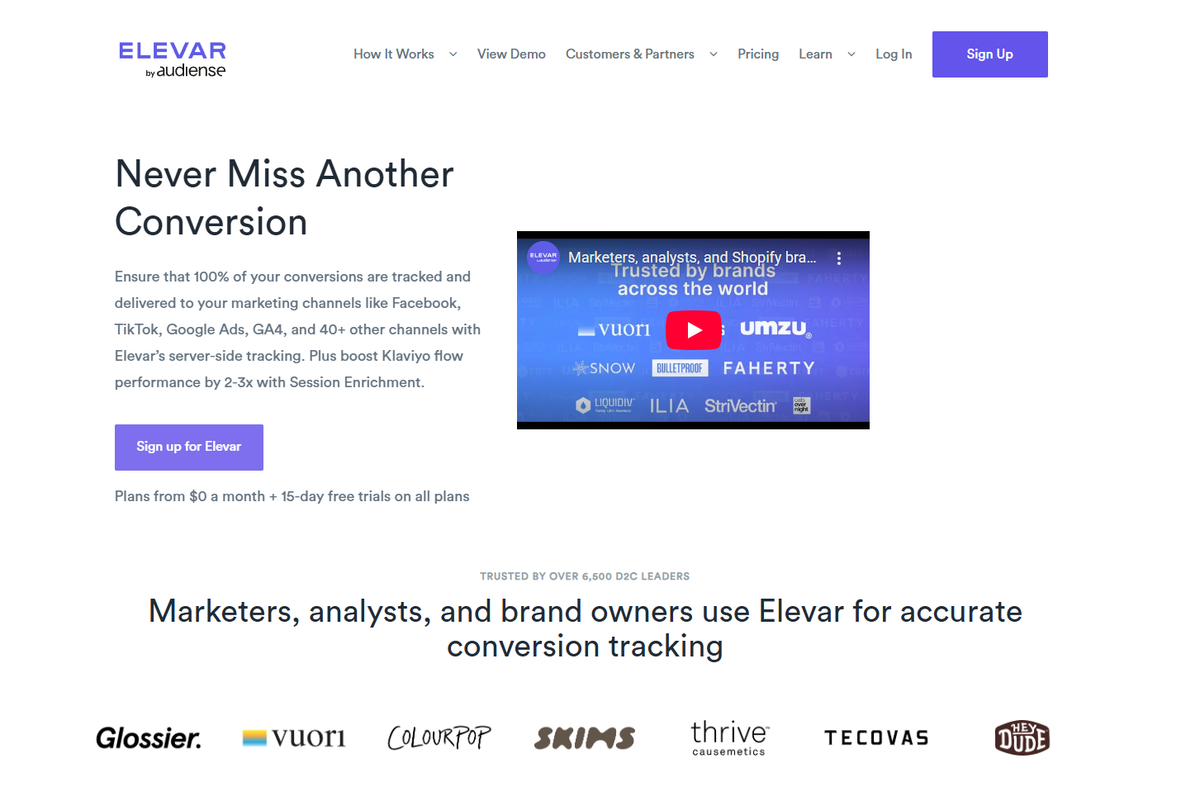
Elevar
• Triple Whale: Real-time dashboard with cross-platform attribution ($99+/month)
• Use when: Need unified view across Meta, Google, TikTok
• Benefit: Real-time alerts when performance drops
• Tracklution: Server-side tracking specialist
• Use when: Complex multi-platform attribution needs
For competitive intelligence and creative strategy:
• Meta Ad Library: Free manual competitor research
• Use when: Need to see what competitors are running
• Vibemyad Ad Spider: Automated competitor tracking and analysis
• Use when: You need continuous monitoring of what's working in your industry
• Tracks 25+ competitors automatically
• Identifies winning hooks, angles, and creative formats
• Provides gap analysis showing opportunities competitors miss
• Best for: Brands spending $10K+/month who need data-driven creative direction
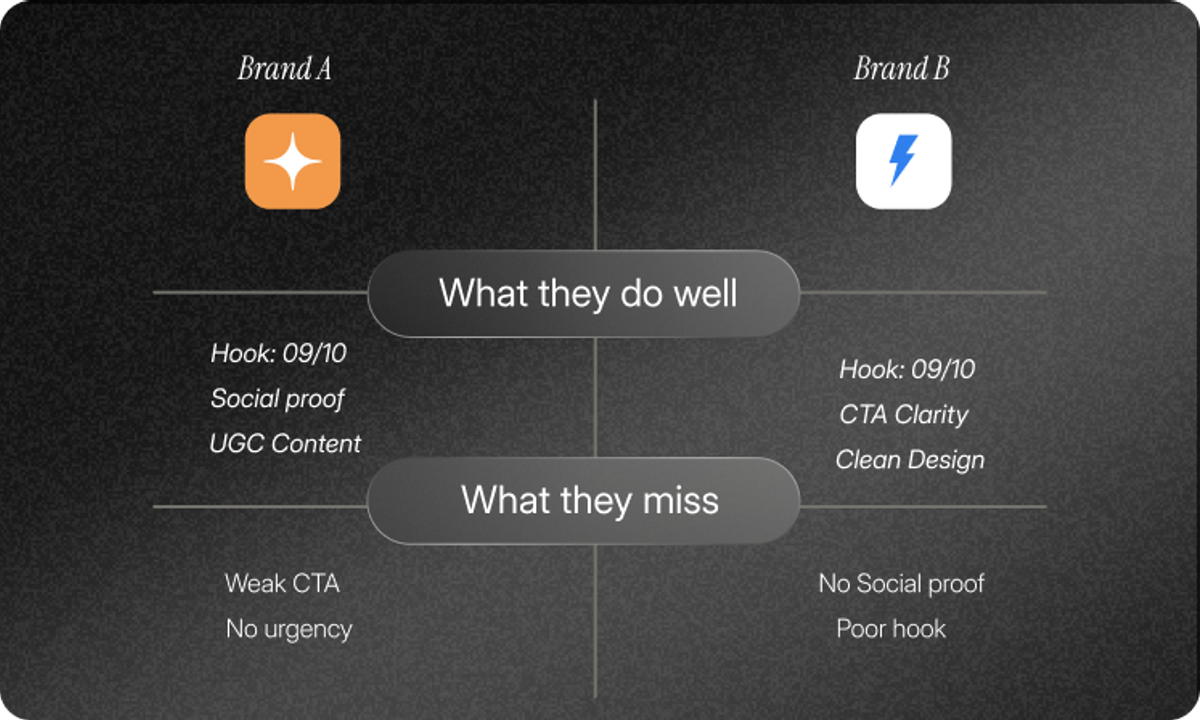
Ad Spider | Vibemyad
• In-house creators: Most authentic but requires team building
• Freelance designers: $500-1,500 per batch, 5-7 day turnaround
• AI generators like Vibemyad Ad Gen: Create 50+ variations quickly
• Use when: You need volume fast to test multiple angles
• Remix winning competitor concepts with your brand
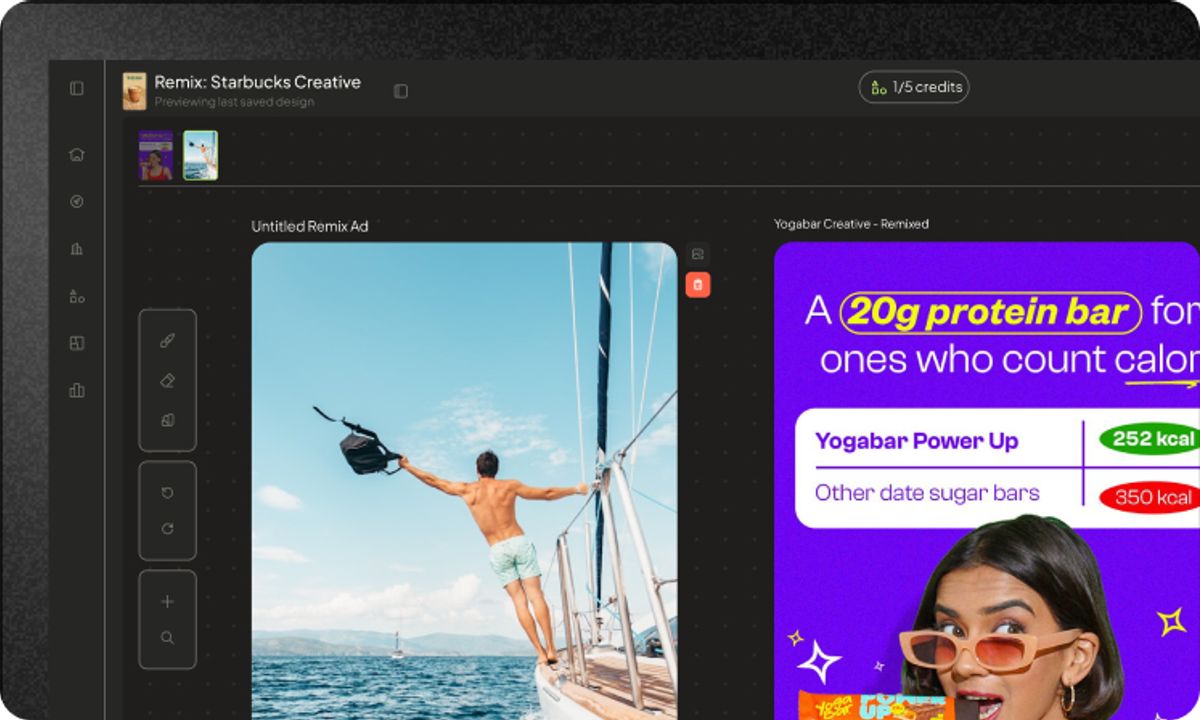
Ad Gen | Vibemyad
• Google Analytics 4: Free, essential backup attribution source
• Slack/email alerts: Set up automated alerts when ROAS drops 30%+
To prevent future crashes, monitor these metrics:
DAILY (2 minutes):
• ☐ Check 7-day ROAS trend (not daily snapshot)
• ☐ Verify Event Match Quality score stays 5.5+
• ☐ Confirm no ads rejected or flagged
WEEKLY (10 minutes):
• ☐ Review frequency metrics (above 4.0 = refresh creative)
• ☐ Check CPA by audience segment
• ☐ Review account change log for unexpected changes
MONTHLY (30 minutes):
• ☐ Audit creative performance and refresh bottom 20%
• ☐ Review Event Quality and tracking setup
• ☐ Analyze placement performance
💡 Pro Tip: Set up automated alerts when 7-day ROAS drops 25%+. Don't check daily—obsessing over daily performance causes bad decisions.
Within 2 Hours (Critical Diagnostics):
Check Event Match Quality in Events Manager
• Below 6.0? Fix tracking immediately (top priority)
Review Account Change Log for last 7 days
• Budget increase? Revert it now
• Campaign duplicate? Pause the new one
Verify pixel is firing on your website
• Right-click → Inspect → Network → search "fbq"
Check Meta Business Status for platform issues
• If platform-wide, wait 24 hours before changing anything
Within 24 Hours (Apply Targeted Fixes):
If tracking issue: Implement server-side tracking (Elevar/Triple Whale)
If budget issue: Revert to previous budget, set 7-day calendar reminder
If targeting issue: Remove 1-2 interests or expand geographic radius
If creative fatigue: Pause bottom 20% creatives, upload 2-3 new angles
Within 48-72 Hours (Monitor Recovery):
DON'T make additional changes during recovery period
• Let fixes take effect
• Judge on 7-day blocks, not daily snapshots
Track recovery metrics:
• EMQ score improving?
• Learning phase complete?
• Frequency declining?
• ROAS trending back up?
Week 2+ (Prevention):
Implement monitoring systems: Daily EMQ checks, weekly frequency audits
Set up server-side tracking if not already done (prevent future attribution issues)
Build creative refresh system so you're never caught with fatigued ads
Consider competitive intelligence tools like Vibemyad Ad Spider to inform creative strategy with data
Here's what most advertisers don't want to hear: Meta ads ROAS drops are usually self-inflicted.
The Facebook algorithm didn't randomly decide to stop working. Meta isn't "out to get you." Your conversion tracking pixel didn't spontaneously break.
90% of the time, something changed:
• You scaled too aggressively (budget increase triggered learning reset)
• Your tracking degraded slowly (Event Match Quality declined)
• Your audience fatigued (you ignored frequency warnings)
• You over-optimized (constant changes prevent learning)
The advertisers who maintain stable ROAS in their Facebook ads campaigns do three things consistently:
Monitor tracking religiously: Daily Event Match Quality checks, server-side tracking implemented, attribution verified across platforms
Scale conservatively: Horizontal scaling only (duplicate, don't increase), 10-20% increases maximum, wait 7+ days between changes
Refresh creative proactively: Before frequency hits 4.0, before engagement drops, before ROAS crashes
ROAS crashes are painful, but they're also opportunities. They force you to fix the structural problems you've been ignoring—the tracking setup you've procrastinated on, the creative system you haven't built, the monitoring you haven't implemented.
Fix those foundations in your Meta ads account, and future drops become rare exceptions instead of weekly panic attacks.
Get notified when new insights, case studies, and trends go live — no clutter, just creativity.
Table of Contents


Arpita Mahato
Content Writer, Vibemyad


Rahul Mondal
Product, Design and Co-founder, Vibemyad

Arpita Mahato
Content Writer, Vibemyad