June 30, 2026 • 14 min read

June 30, 2026 • 14 min read
The photo looked great. Then you changed the garnish, opened a second location, and switched suppliers. Now you need four new shoots, and that's the real reason restaurant groups keep bleeding the studio budget every month.
• A restaurant photo generator turns a photo of your real dish into ad-ready and listing-ready images, so a growing group can stop booking a studio every month.
• The recurring cost was never one-shot. It is reshoots every time the menu changes, plus the steady stream of fresh creative that ad platforms need to keep your costs down.
• Cheap "redraw" tools invent a generic dish and fail the one rule both delivery apps and ad platforms enforce: the image has to match the food you actually serve.
• Vibemyad Ad Gen grounds every image on your real dish inside one session at vibemyad.com/sessions, and a five-agent pipeline audits each output before you spend a credit.
• For a four-location group, the math shifts from roughly $1,000 per month for shoots and creative to pay-as-you-go credits at $0.30 per image, with $5 free to start and credits that never expire.
What Is A Restaurant Photo Generator?
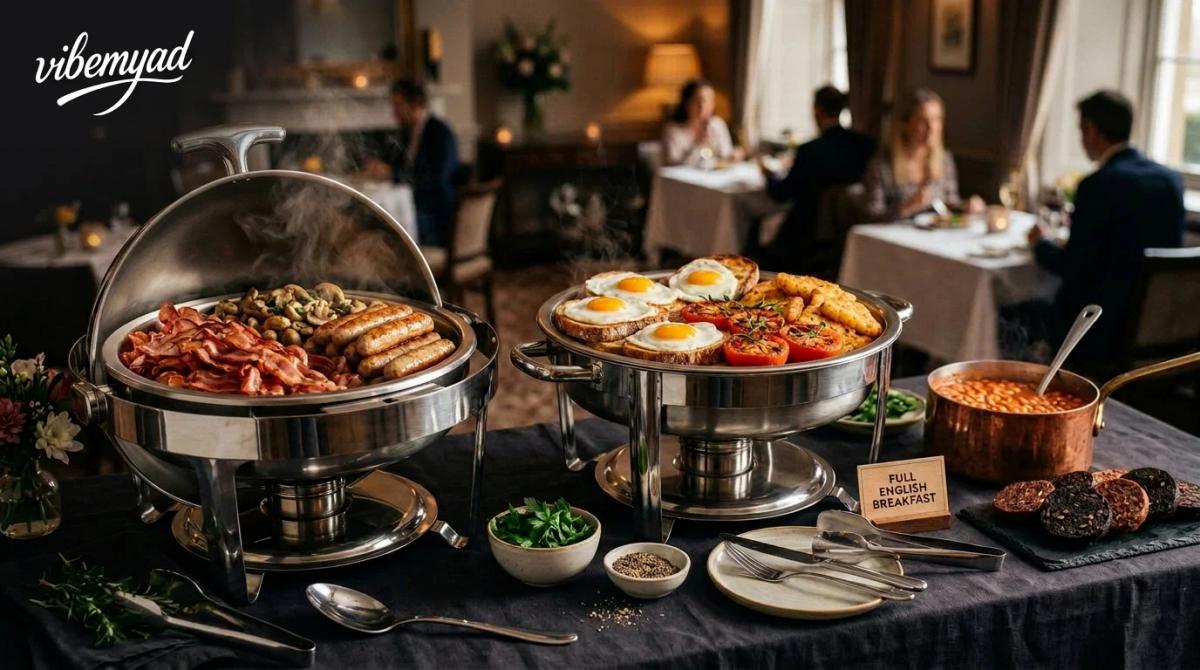
It's 11 PM. Your kitchen just plated the lamb special you've been testing for three weeks, and the launch is tomorrow. No photographer booked, no studio, no ring light borrowed from the front-of-house manager. Just your phone, the dish, and a tool that turns what's sitting on that plate into something ready for DoorDash, your Meta ads, and your Instagram grid by morning. That's the short version of what a restaurant photo generator does. The longer version has one detail that changes everything: where the image starts.
Most tools that call themselves AI food image generators are really just drawing from a description. You type "grilled salmon, lemon wedge, rustic wooden table" and the model imagines a version of that dish. Plausible, polished, and completely fictional. It's never been on your menu. Your chef didn't cook it. Your customers won't receive it. But it looks gorgeous in a thumbnail, right up until someone orders it and gets something different.
The tools worth actually using work the other way around. You give them a photo of the real dish, shot on your phone, in your kitchen, under whatever light you had, and they improve what's already there. Better lighting. Cleaner background. Tighter framing. The garnish is still your garnish. The portion is still your portion. The sear looks exactly the way your grill runs it. That's what grounding means in this context, and it's the line that splits the category in two.
For a single-location café refreshing its menu once a year, the difference is mostly academic. But for a restaurant group managing four locations, overlapping menus, listings across multiple delivery platforms, and a paid social calendar that needs fresh creative every few weeks, it's the difference between a tool that replaces a real budget line and one that quietly adds a new one.
Growing Restaurant Groups Keep Paying For Studio Shoots
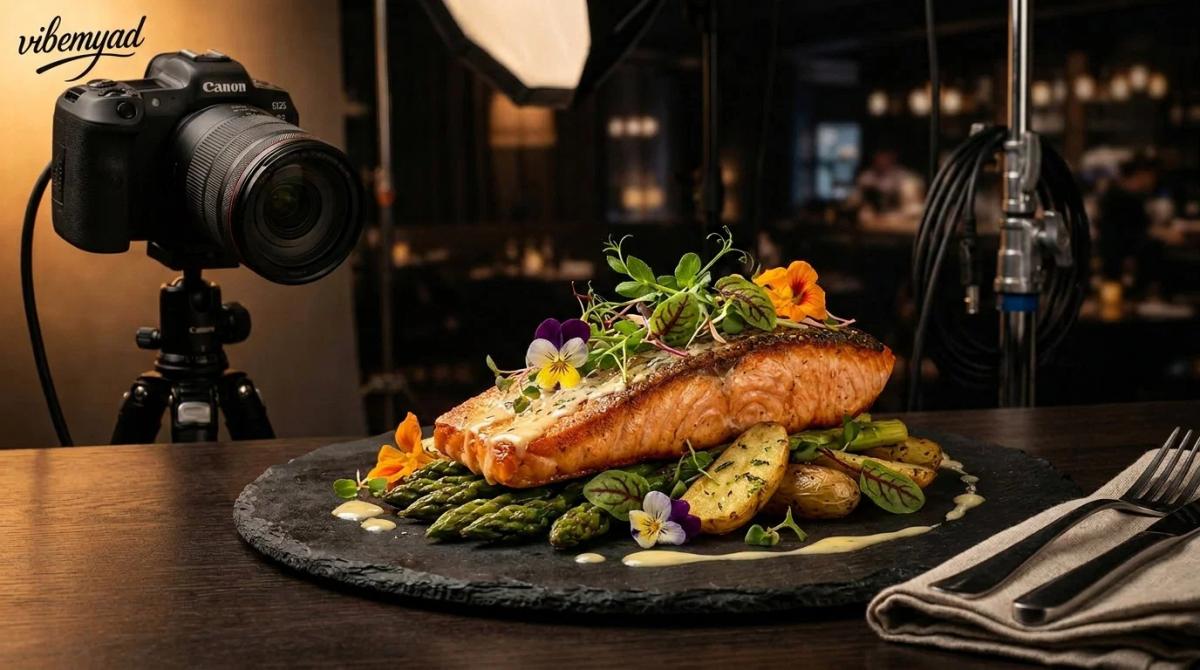
The honest answer is that a menu is never finished. You add a seasonal special, swap a supplier, redesign a plate, open a new location with a slightly different format, and every one of those changes leaves your old photos out of date. The image you shot in spring does not match the dish you serve in fall.
A single professional shoot runs around $500, and per dish, you can expect anywhere from $25 to $300 depending on styling and the photographer. None of that is the real problem. The real problem is that it repeats. A studio budget is not the cost of one shoot. It is the standing monthly cost of keeping a changing menu photographed across every location and every place those photos appear.
Multiply that by a group. Four locations, overlapping but not identical menus, listings on more than one delivery app, plus paid social, and the shoot you booked "once" becomes a recurring retainer. That recurring retainer is what a restaurant photo generator actually competes with, not the one-off shoot.
How Much Does A Monthly Restaurant Photo Budget Actually Cost?
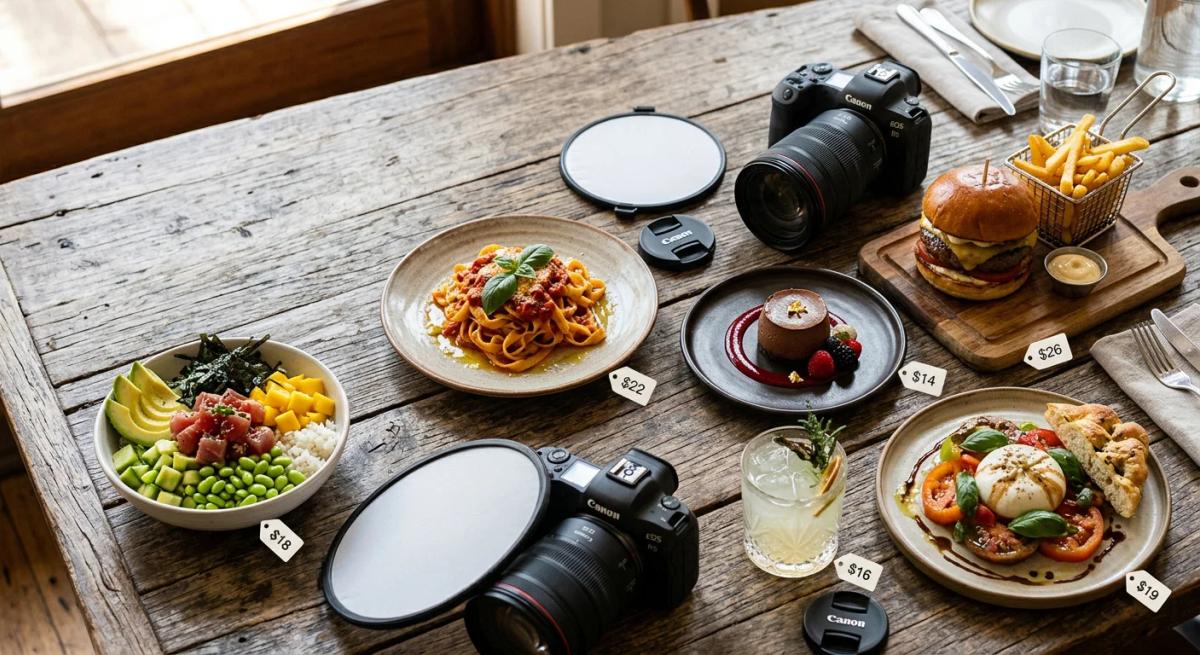
Most restaurants spend somewhere between 3 and 6 percent of revenue on marketing, a range that shows up consistently across industry budgeting guides for established venues. At $100,000 a month in revenue, that is $3,000 to $6,000 for everything: ads, images, agencies, and tools.
Images are a meaningful slice of that. For a single location keeping its listings and ads current, a realistic image budget runs $200 to $500 a month once you count reshoots and edits. For a four-location group at roughly $250 each, you are near $1,000 a month on images alone, before you have paid for a single ad impression. Here is the same money in two ways.
The point of the table is the shape of the cost, not the size of one number. One path is a fixed monthly bill. The other is a per-image cost you pay only when you actually need a new image.
AI Food Image Tools Get Your Dish Wrong
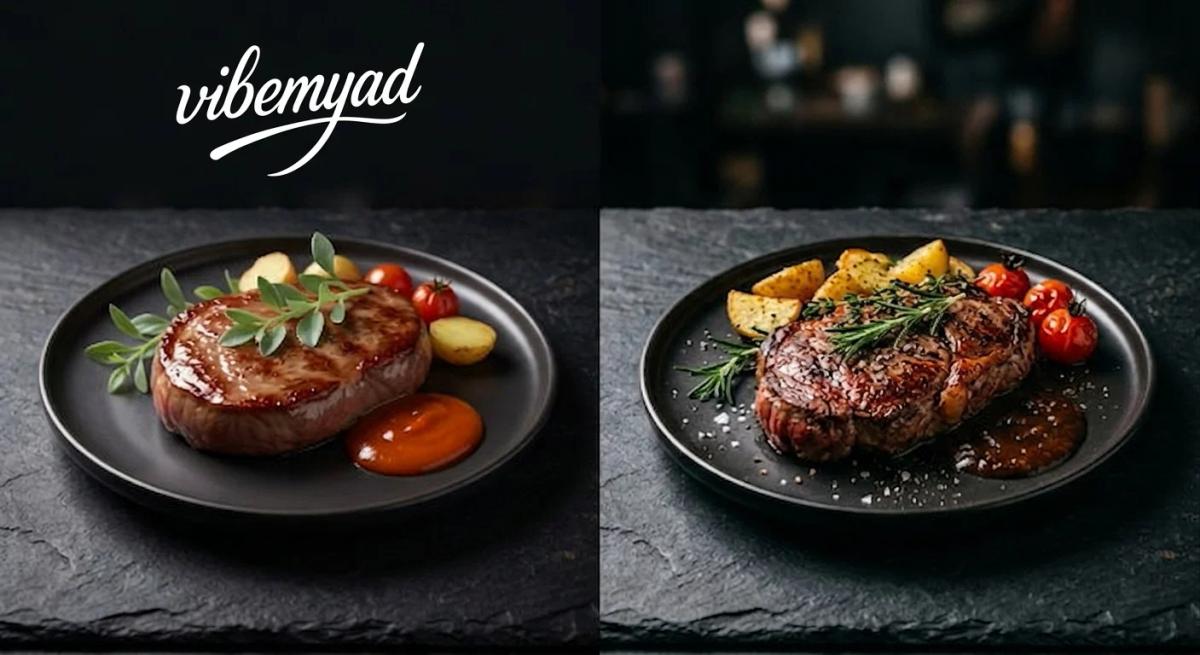
Prompt-based tools redraw. You describe a dish, the model generates a generic version of it, and the result looks good until you notice it is not your food. The sear is wrong, the garnish is invented, and the portion is bigger than what arrives at the table.
For a restaurant, a beautiful photo of food you do not serve is a liability, not an asset. A customer orders based on the image, gets something different, and you have earned a refund, a one-star review, and a chargeback. The fix is grounding. A tool that starts from a photo of your real dish keeps the details that make it yours and improves only the things a studio would have fixed anyway: light, background, and framing. That single design choice is what separates a generator you can put in front of paying customers from one you cannot, and it is the same principle behind our guide to AI food images for restaurants.
Delivery Apps Reject AI-Generated Food Photos
Not for being AI-generated. Platforms don't care how the image was made. They care whether it breaks their rules, and those rules are nearly identical across every major delivery app. The shared checklist looks like this:
• One dish per photo, nothing else in the frame
• Centered framing, no awkward crops or tilted compositions
• No stock images, the photo has to be of food you actually serve
• No text, logos, or promotional overlays baked into the image
• An accurate match to the dish the customer is ordering
• Uber Eats: Manually reviews every menu photo, a process that can take up to three business days. It rejects shots that are blurry, badly lit, off-center, or show more than one item. Menu item photos follow a 5:4 to 6:4 ratio, with larger specs for cover images. Crucially, Uber Eats explicitly allows enhanced or edited photos as long as they truthfully represent the dish, and explicitly rejects stock photos.
• DoorDash: Follows the same logic in practice. Square thumbnails in search, 16:9 headers on restaurant pages, and the same expectation that the photo matches what arrives at the door.
• Grubhub and SkipTheDishes: Both require each image to match its specific menu item before it gets approved.
• Zomato and Swiggy: In India, enforce the same direction with their own specs and faster automated moderation.
One thing worth knowing about market context: In the United States, DoorDash leads, followed by Uber Eats and Grubhub. In Australia, after Menulog shut its local business in late 2025 and Deliveroo exited back in 2022, the market is effectively Uber Eats and DoorDash. The platforms differ, but the photo standard doesn't.
A grounded restaurant photo generator starts from your real dish, which is exactly what every platform's truthful representation rule asks for. A prompt-based redraw tool fails that test by design because the food it generates was never on your menu.
There's also a visibility angle that makes the volume of compliant images matter, not just the quality of one. Uber Eats factors the percentage of your menu that has photos into the visibility score it gives your store. The practical need isn't one perfect image. It's a lot of accurate, spec-compliant images kept current across every item, which is exactly the recurring job a studio budget was quietly paying for.
Ad-Platform Volatility Drain Your Creative Budget
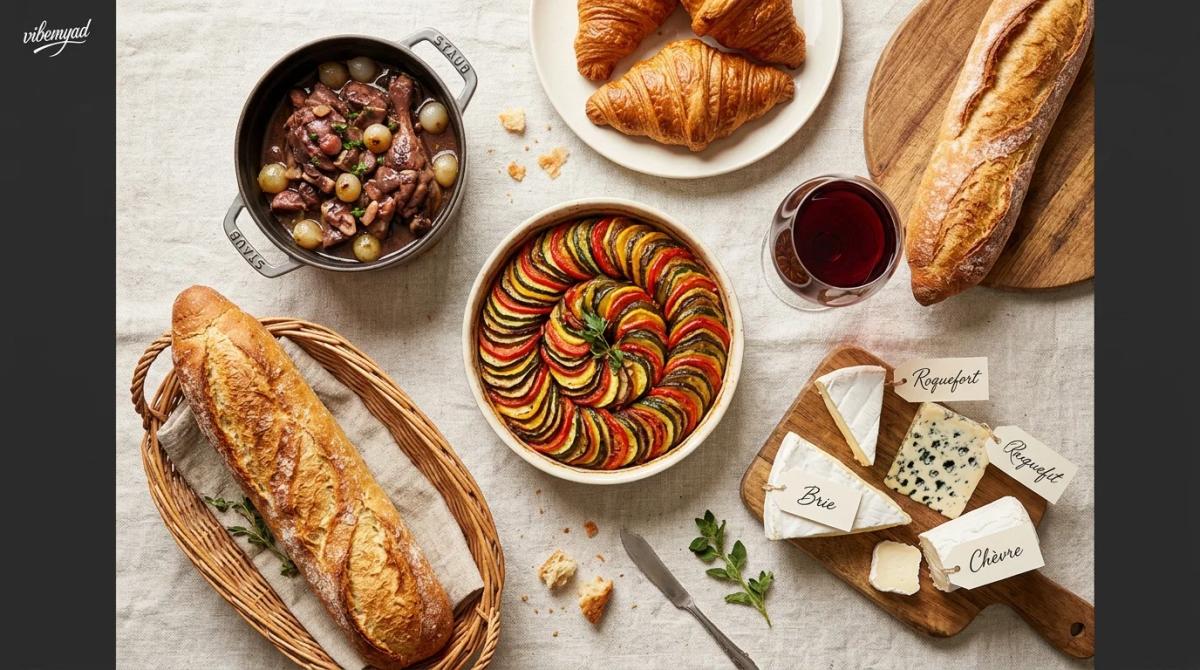
Delivery listings are one problem. Paid social is a separate one entirely, and it has its own way of quietly bleeding your budget. Here's the mechanic worth understanding first. Meta's ad system runs every new ad set through a learning phase.
According to Meta's own advertiser documentation, an ad set only exits that phase after it records roughly 50 optimization events within a rolling seven-day window. Until it hits that number, it stays flagged as "Learning Limited," and its performance and costs stay unstable, sometimes for weeks. Two things follow from that for a restaurant group:
Split $40 a day across four locations, and each ad set is working with $10 a day. At that spend level, most restaurant ad sets never reach 50 weekly conversions, which means none of them ever stabilize. You're paying for ads that are always learning and never performing. The fix isn't a bigger budget across the board. It's consolidating spend, so individual ad sets actually have room to exit the learning phase.
Creative fatigue over time, so you have to refresh it. But on Meta, swapping the primary image on an existing ad set counts as a significant edit, which sends it straight back to day one of the learning phase. Every refresh costs you the progress you've already paid for, and you pay to relearn all over again.
The trap is that both problems pull in opposite directions. You need fresh, on-brand creative to keep ads from fatiguing, but every swap resets the clock. What actually solves it is a steady supply of consistent variations you can rotate on a schedule, so no single ad set gets starved, and no creative swap comes as a surprise. Producing that supply at studio rates is the recurring expense. Producing it at $0.30 an image is not.
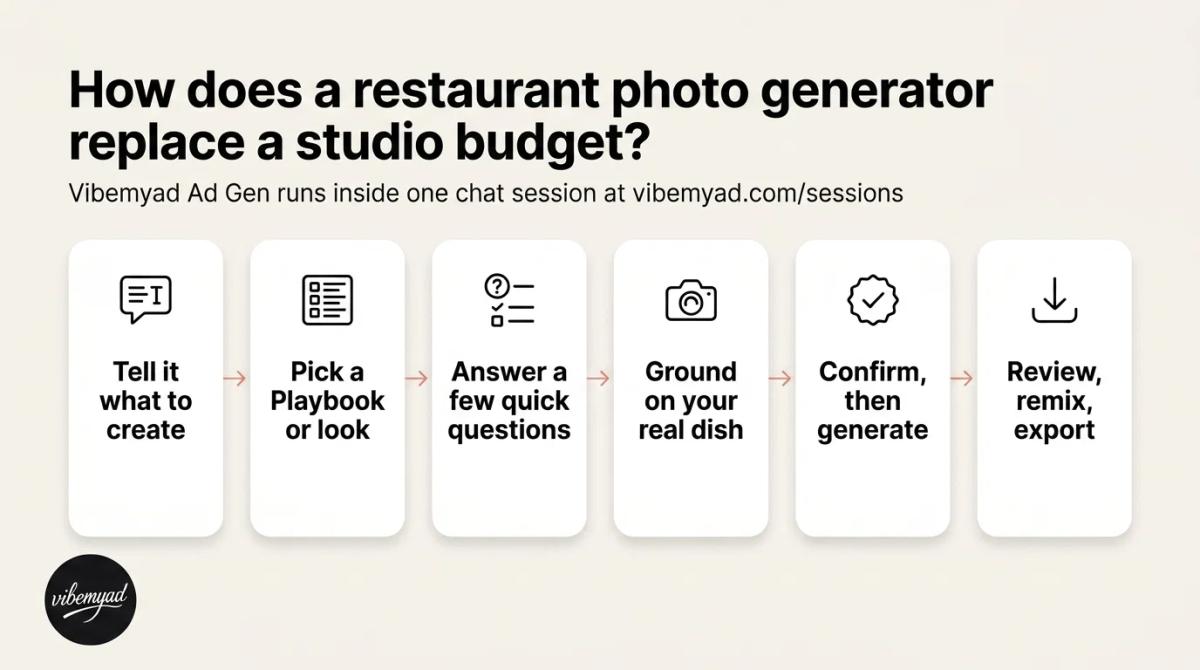
Vibemyad Ad Gen runs this whole workflow inside one chat session at vibemyad.com/sessions. You start from a phone photo of your real dish, and the same dish stays consistent across every format you export.
Vibemyad Ad Gen Runs Entire Workflow
• Tell it what to create: Type your request in plain language, for example, "a delivery thumbnail and a weekend feed ad for my butter chicken," and attach your phone photo.
• Pick a Playbook or describe the look: Playbooks carry the photography brief, so a good result does not depend on knowing how to write one: Flat Lay for overhead menu and delivery shots, Close-Up Detail for feed texture, To Scale for honest portion size, and Outdoors and Styled Corner for venue feel.
• Answer a few quick questions: A short set of tap-to-answer questions on venue, dish, and placement locks the brief before a single credit is spent, which is the difference between a usable ad and twenty random regenerations.
• Let it ground on your dish: The agent works from your photo, keeps the real color, shape, and detail, and picks the cleanest of several shots to anchor on, which is what satisfies the match rule a redraw tool breaks.
• Confirm the plan, then generate: The agent plays the scene, mood, lighting, and hero back to you before it renders, and the visual lands in the Generations panel beside the chat.
• Review, remix, and export: Remix spins variations without starting over, and because the session holds context, the same dish stays consistent as you export a delivery thumbnail, a Meta feed ad, Stories, and an Instagram tile.
You work with one agent the whole way. It reads your brief, grounds the Image Generator on your reference photo, and renders the shot, so each output stays accurate to the dish you actually serve, on brand, and built to hold up at ad scale. You experience all of it as one conversation.
There is an honest boundary worth stating plainly. Vibemyad Ad Gen makes static images and carousels. It does not set up your Pixel, build your lead form, choose your objective, or manage targeting and budget, which stay in your Ads Manager. What it removes is the hardest recurring input: enough accurate, on-brand food visuals at every spec to keep your listings and ads fed for months.
Genrate Restaurants Ads with Vibemyad
The cost model is what flips the monthly bill. Pricing is pay-as-you-go at $0.30 per generated image, with $5 free on signup, no credit card required, and credits that never expire. You can see the full breakdown on the pricing page. For a four-location group, that turns a fixed studio retainer into a per-image cost you control, paid only when a dish actually changes, or an ad needs a fresh variation.
What To Look For In A Restaurant Photo Generator?
Five things separate a tool that can replace a budget from one that just makes pictures. It should ground on your real dish rather than drawn from a prompt. It should export the exact specs your listings and ads need, not just one square. It should check its own output before you ship it. It should hold a dish consistent across a full menu and across locations. And it should be priced in a way that rewards you for needing fewer images, not more. Here is how three common options compare on the first criterion.
Competitor pricing is current as of mid-2026, so confirm the latest rates on each provider's own site before you decide. The pattern that matters is the model itself: a subscription with monthly credit resets whether or not your menu changed, while pay-as-you-go credits sit there until you need them.
For a group, the workflow is less about a single image and more about a repeatable system. A few practical steps keep it sane.
Build one approved master image per core dish, based on the best real photo you have. Approve it once, centrally, so the whole group is working from the same source.
Export the platform-specific crops each location needs from that master: the delivery thumbnail, the Meta feed ad, Stories, and the Google Business image. One source, several specs.
Stagger your creative swaps. Rotate fresh variations into ads on a schedule rather than all at once, so you don't reset every ad set's learning phase in the same week.
Keep the dish consistent across locations. The same burger should read as the same burger everywhere, so the group looks like one brand rather than ten franchises that never talked.
Track cost as credits per location, not as a fixed retainer. When a location changes a dish, you spend a few credits on that location. When nothing changes, you spend nothing.
Done this way, the photo budget stops being a number you owe every month and becomes a cost that tracks how often your menu actually moves.
• A restaurant photo generator earns its place when it grounds on your real dish, because that is what makes the output safe for listings, ads, and platform review.
• The cost you are replacing is recurring, not one-time: reshoots as the menu changes, plus a steady stream of fresh ad creative.
• Delivery apps do not ban AI images. They ban images that fail the match rule and the photo specs, both of which a grounded generator passes.
• On Meta, fragmented budgets and constant creative swaps quietly drain spend, so producing rotatable variations cheaply matters more than any single hero shot.
• At $0.30 per image with $5 free and credits that never expire, a four-location group can trade a roughly $1,000 monthly studio bill for a cost it only pays when a dish changes.
You do not need a recurring studio retainer to keep a changing menu photographed across every location and platform. You need a workflow that grounds on the food you already serve and produces compliant images at every spec, on demand.
Get notified when new insights, case studies, and trends go live — no clutter, just creativity.
Table of Contents


Arpita Mahato
Content Writer, Vibemyad

Arpita Mahato
Content Writer, Vibemyad

Arpita Mahato
Content Writer, Vibemyad