June 25, 2026 • 15 min read

June 25, 2026 • 15 min read
Right now, a moderation bot at Zomato and Swiggy is deciding whether your food photos are good enough to show, and it rejects more than it explains. Every dish that loses its picture quietly stops getting ordered, and a photoshoot you cannot afford was never going to fix that.
• Food product photography AI generates ads and listing visuals from an AI image model instead of a studio shoot. The line between a good tool and a useless one is whether it keeps your real dish or redraws it into a generic one.
• Zomato and Swiggy both run automated image moderation. They want one centered dish filling most of the frame, no people or clutter, no text or logos, sharp lighting, a horizontal 2:1 ratio, and no stock photos, and they reject anything that misses, often without telling you why.
• A single dish also needs several visuals at once: a delivery thumbnail, a Meta feed ad, Stories, and an Instagram grid tile, each at its own size. The real problem is the repeated workflow, not the single photo.
• Generic AI tools fail on both fronts. They redraw your dish into something you do not serve, which breaks the rule that the photo must match the food, and they hand you one square to resize by hand.
• Vibemyad Ad Gen grounds every visual on your real dish, audits each one for accuracy, and exports at every Meta and delivery-platform spec, in one chat session at vibemyad.com/sessions.
• Accuracy, platform compliance, and conversion are the same choice. The image that matches the served plate is the one that passes the moderation bot and the one a hungry customer trusts enough to order.
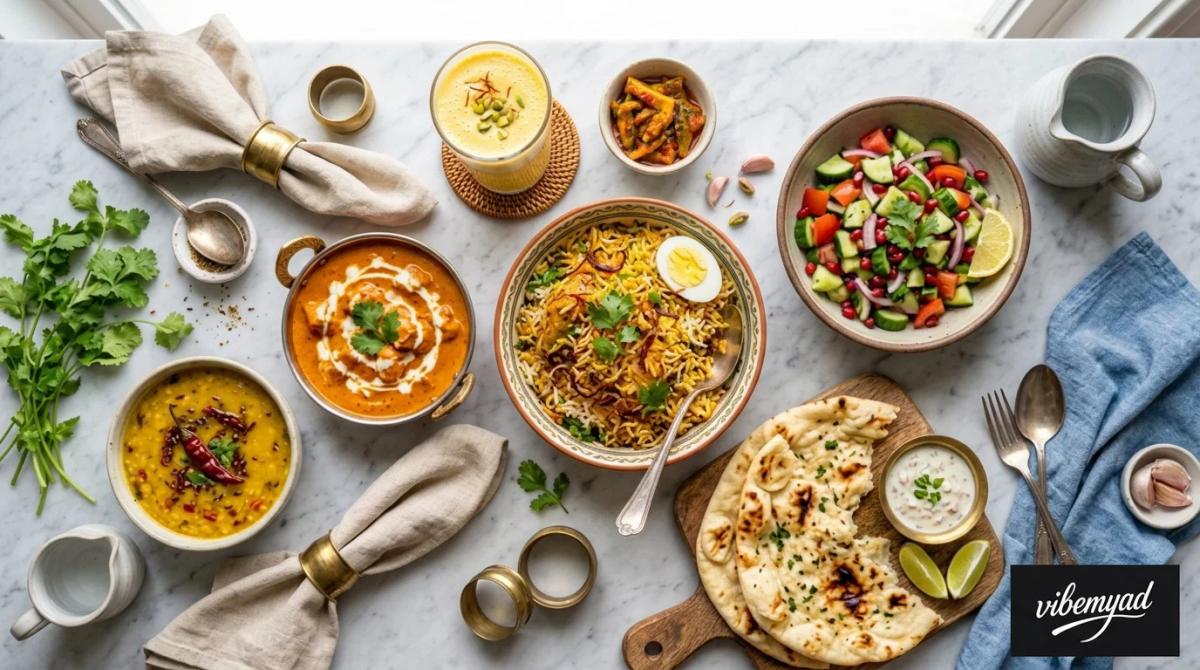
Food Product Photography AI
Food product photography AI is software that generates food ads and menu visuals with an AI image model, so a restaurant can make listing photos, feed ads, and social creatives without hiring a photographer or renting a studio. The single thing that separates a useful tool from a useless one is whether it keeps your actual dish or invents a plausible stand-in.
That split comes straight from how the tool works. A prompt-based generator was trained on huge public image libraries, so when you type "butter chicken," it does not know yours; it returns the statistical average of every butter chicken it has ever seen. A grounded tool starts from a photo of your real plate and builds the scene around it, so the dish that comes out is the dish that went in. For a blog illustration, that gap is cosmetic. For a menu, it is the whole game, because the photo on a delivery app is a promise, and a generic invented plate is a promise your kitchen never agreed to make.
The other thing food brands learn fast is that one image was never the job. The same dish has to land in several places at once, and each one wants a different shape.
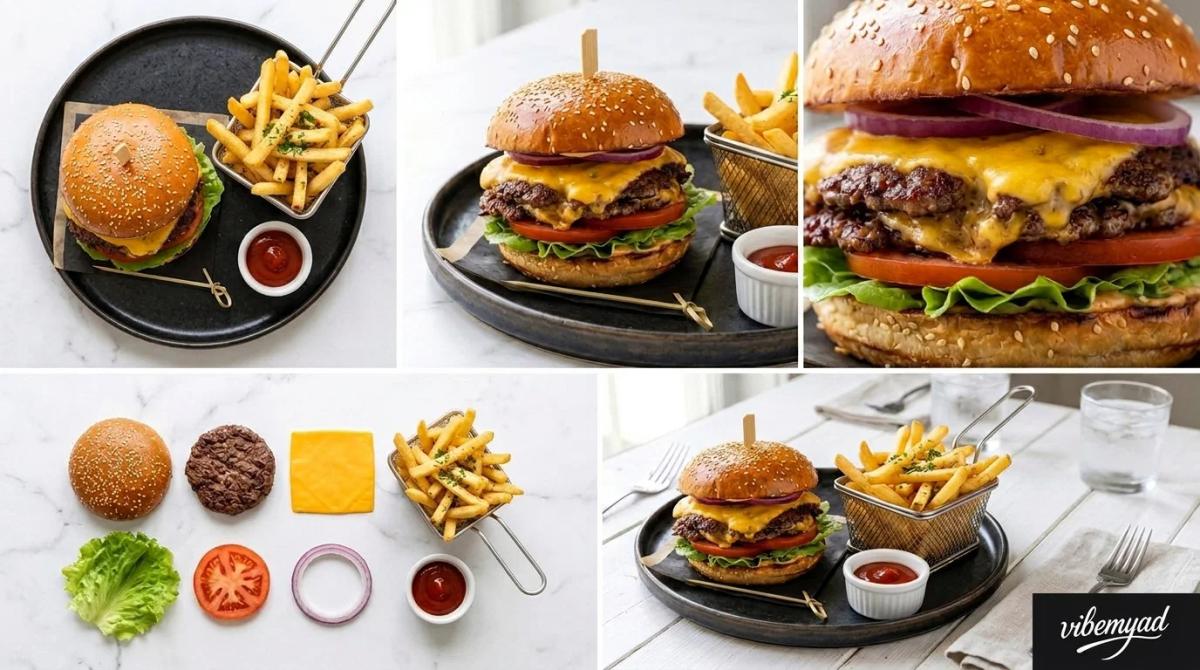
One Dish Need Multiple Food Visuals
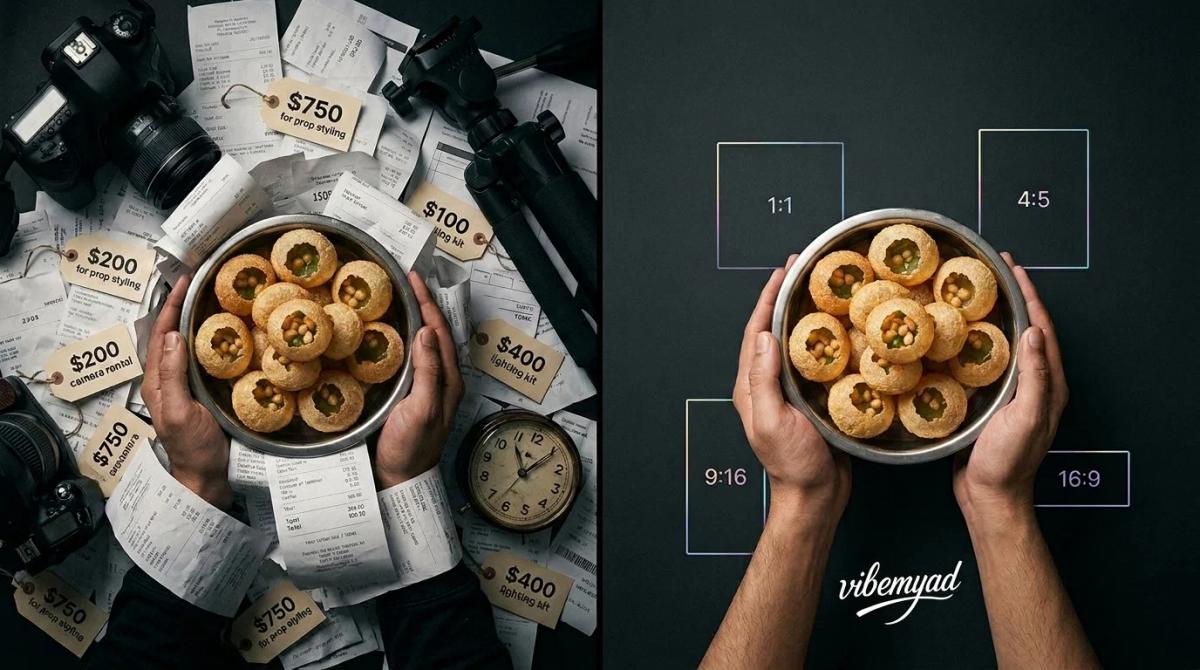
No single image fits every placement. A delivery-app thumbnail is a wide horizontal crop. A Meta feed ad runs square or four by five. A Story is a tall nine by sixteen. An Instagram grid tile is a clean square, and your website hero is wider again. Drop one square photo into a vertical Story, and you either pad it with dead space or crop the hero clean out of frame.
So the real work was never the single render. It was producing the same dish, kept consistent, at five different specs, and then doing it all again the next time the menu changed. That is the part that traditional photography and one-off AI tools both skip. A photoshoot leaves you raw files to resize by hand. A generic AI tool leaves you one square and a regenerate button. Neither was built for a restaurant that needs a thumbnail, a feed ad, and a carousel of the same plate by tomorrow.
And before any of those visuals goes live on a delivery app, a moderation bot gets the first vote.
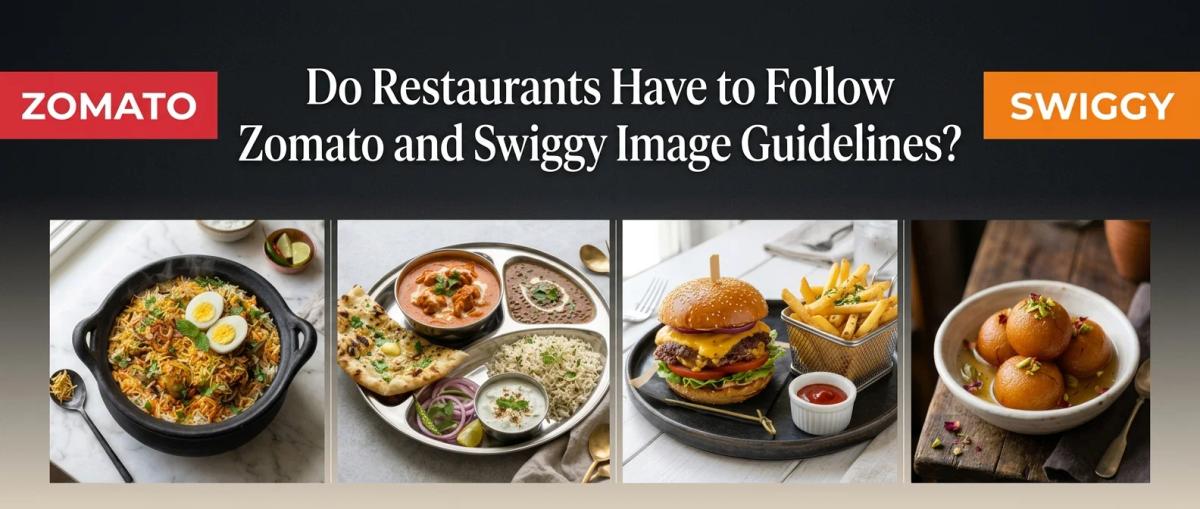
Restaurants Have to Follow Zomato and Swiggy Image Guidelines
Yes. Both Zomato and Swiggy enforce specific visual and technical rules for menu and listing images. Both run automated moderation that approves or rejects every upload before a customer ever sees it. There is no human on the other side talking you through a fix. The image either clears the check or it does not, and when it does not, the listing stays imageless or falls back to a generic stock plate that looks nothing like your food.
The rules themselves are not mysterious. Drawn from both platforms' partner guidelines, they describe a clean, honest photo of a single dish and read almost like a checklist for a good phone shot. Here is what each platform asks for, and where the usual ways of making food images fall down against it.
Both platforms typically review an uploaded image within about a day and automatically reject anything outside these guidelines, so a miss does not bounce back with a helpful note. It just fails to appear. Exact specs do get updated, so it is worth checking each platform's current partner guidelines before a big upload. The platforms are open about why they police this so hard: listings with strong, accurate images convert far better than listings without, which makes image quality a direct input to your orders rather than a vanity setting.
Read that table again, and one thing stands out. Every rule is asking for the same thing: an honest, sharp, uncluttered picture of the exact plate you serve. That is precisely the image a tool that redraws your dish cannot produce.
The "No Stock Photos" Rule Is the One That Breaks AI Tools
Of all the guidelines, the ban on stock photos is the one that decides whether an AI tool can even play. The rule is simple: the food in the picture has to be the food the customer receives. It exists to protect the customer from a photo that lies, because when the box arrives looking nothing like the image that sold it, the customer does not file a complaint with the tool that drew the picture. They blame your kitchen, leave a one-star review, and never reorder. That broken promise is the most expensive thing a food photo can do.
Here is why most AI tools cannot clear that bar. A prompt-based generator has never seen your dish. Ask it for your signature plate, and it renders the statistical average of that category, a plausible plate that is wrong in every way that matters, from the char on the meat to the height of the stack. So, passing moderation is not really a question of image quality. It is a question of provenance. The photo has to come from your actual plate, not from a model's best guess at what that plate probably looks like. Quality you can fake. Provenance, you cannot, and that is the rule that quietly disqualifies the redraw tools.
Generic AI and Studio Shoots Both Fail
Two roads out of the photoshoot, and both have a pothole.
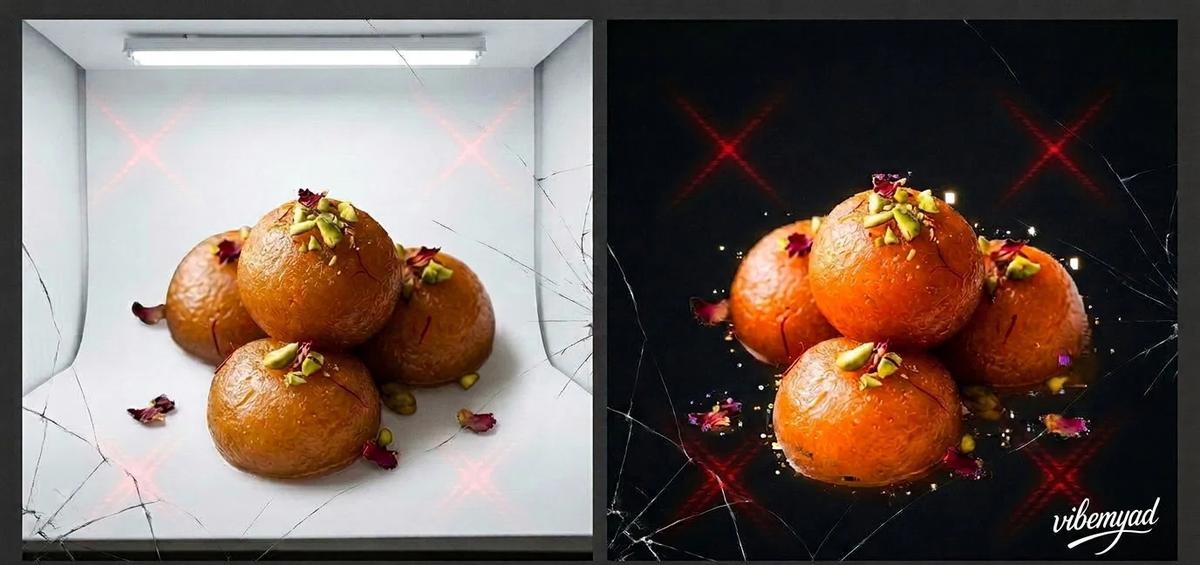
The generic AI road looks cheap and fast until you hold the output next to the dish. Most general-purpose generators redraw the plate instead of reproducing it, so you get the wrong number of patties, a glossier bun than yours, cheese that melts in a way yours never does, and toppings you do not serve. Western-skewed training data makes it worse for regional food, mangling pani puri, medu vada, roti prata, and shawarma in ways another prompt cannot fix. On a platform that bans misleading imagery, a redrawn dish is not just an aesthetic miss; it is a rejection risk. And you still walk away with one square to resize by hand.
The studio road hands you an accurate image, then charges you for it forever. A shoot runs into real money; it has to be redone every time the menu changes, which is four to six times a year, and the plate styled on a calm Tuesday morning may not match the rushed plate that leaves your pass at 8:15 on a Saturday night. After all that, you are left with hundreds of raw files to crop and compress for every platform spec yourself.
Strip both down, and neither was built for the job that actually needs doing, which is producing many accurate, on-brand visuals, at every spec, over and over as the menu moves. That gap is the whole reason a grounded, spec-aware tool has to exist.
Generate Food Ads with Vibemyad
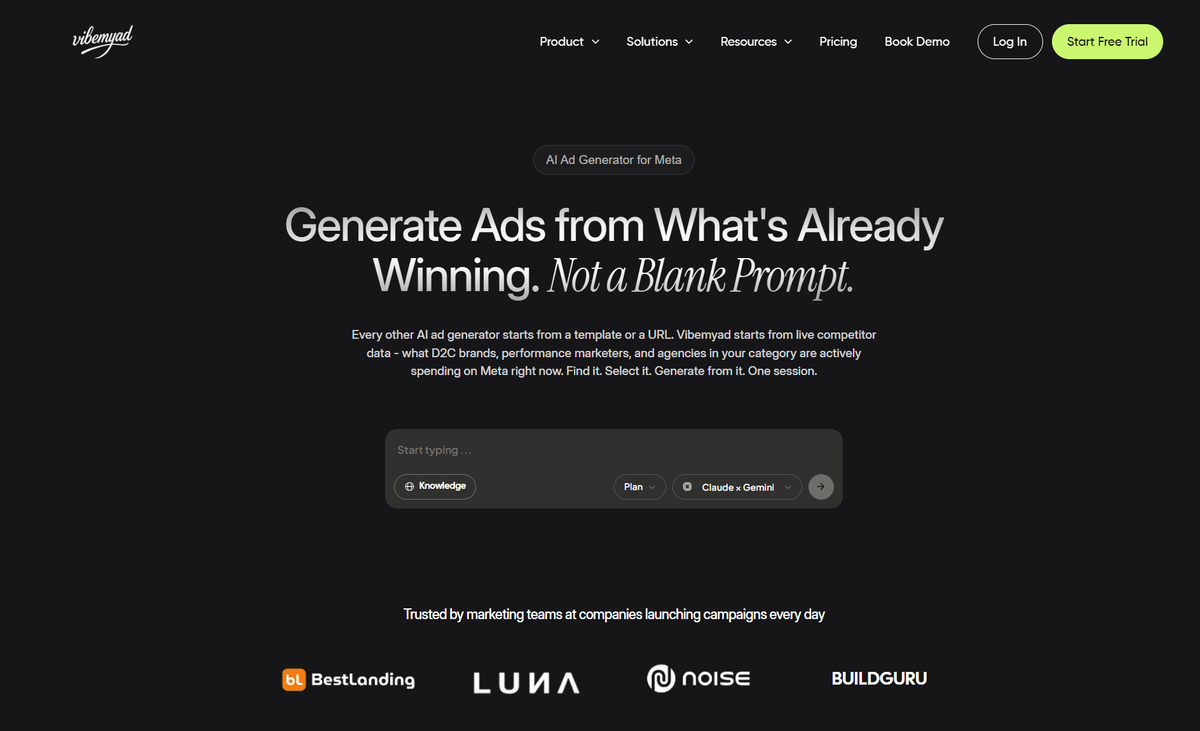
Vibemyad Ad Gen produces static restaurant food creative inside one chat session at vibemyad.com/sessions, ready at every Meta and delivery-platform spec. You start from a phone photo of your real dish, or have the agent build the scene from scratch. Either way, the food stays accurate, and the session holds the same dish across every format you export.
Six Steps To Generate Every Food Visual From One Dish
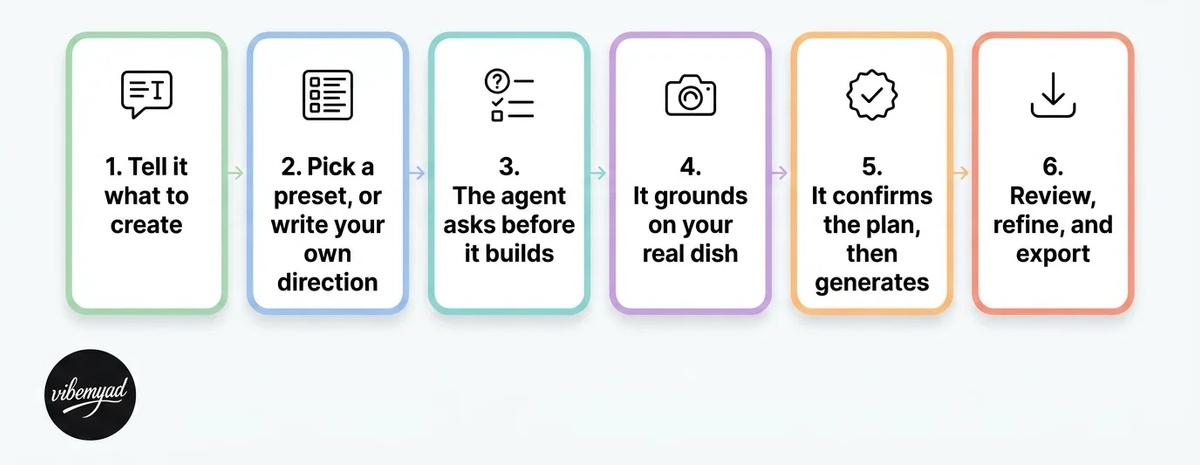
Step 1: Tell it what to create: The session opens on "What would you like to create?", with tabs for Research, Images, and Videos. You type the request in plain language, for example, "a delivery thumbnail and a weekend feed ad for my butter chicken," and attach a phone photo if you have one.
Step 2: Pick a preset or write your own direction: Open the preset menu and choose a ready-made look that the agent already knows how to build. Presets are styled directions, not filters dropped on at the end, and each one is tuned for a different placement, so you are really choosing where the visual will run. Flat Lay shoots the dish from overhead and suits menu spreads and delivery listings. Close-Up Detail pushes in on texture, the kind of frame that stops a thumb mid-scroll in a Meta feed.
To Scale shows honest portion size, which is what keeps a listing photo from overselling the plate. Outdoors and Styled Corner build a sense of the venue for brand and social posts. You match the preset to the job, and it carries the photography brief for you, so a strong result does not depend on you knowing how to write one. You can still steer any preset in plain language after asking for a warmer tone, a darker surface, or a tighter crop.
Step 3: The agent asks before it builds: Instead of guessing, it runs a short set of tap-to-answer questions: whether you have a dish photo to feature as the hero or want the scene from scratch, the kind of venue, the type of dish. This locks the brief with you before a single credit is spent, and it is the difference between a usable ad and twenty random regenerations.
Step 4: It is based on your real dish: If you uploaded a photo, the agent works from it, keeping the real color, shape, and detail of your food rather than inventing a new dish. Give it several shots, and it picks the cleanest one to anchor on and tells you why. This grounding is why the output stays your dish instead of a generic look-alike, and why it can satisfy the must-match rule a redraw tool breaks.
Step 5: It confirms the plan, then generates: The agent plays the creative direction back in plain language, the scene, mood, lighting, and what stays the hero, before it renders. You approve, the image generator runs, and the visual lands in the Generations panel beside the chat.
Step 6: Review, remix, and export at every spec: Each generation arrives with its reference thumbnails and a step-by-step trail. Download it, or hit Remix to spin variations, a tighter crop, a different surface, a moodier vibe, without starting over. Because the session holds context, the same dish stays consistent across every variation. Then, you export at the dimensions you need, a horizontal delivery thumbnail, a Meta feed ad, Stories, and an Instagram tile, the same plate holding its look in all of them.
Under the hood, that flow is several specialized agents working in sequence: a Creative Director and Router that read your brief, a Planner that asks the right questions and builds the plan, an Image Generator grounded on your reference, and an Evaluator that audits each output on four criteria: accuracy to your dish, brief adherence, structural integrity at ad scale, and brand consistency. You experience all of it as one conversation.
The honest boundary: Vibemyad Ad Gen makes static images and carousels. It does not set up your Pixel, build your lead form, choose your objective, or manage targeting and budget; those stay in your Ads Manager. What it removes is the hardest recurring input, accurate enough on-brand food visuals, at every spec, to keep your listings and ads fed for months.
Accuracy, Compliance, and Conversion with AI Food Photography
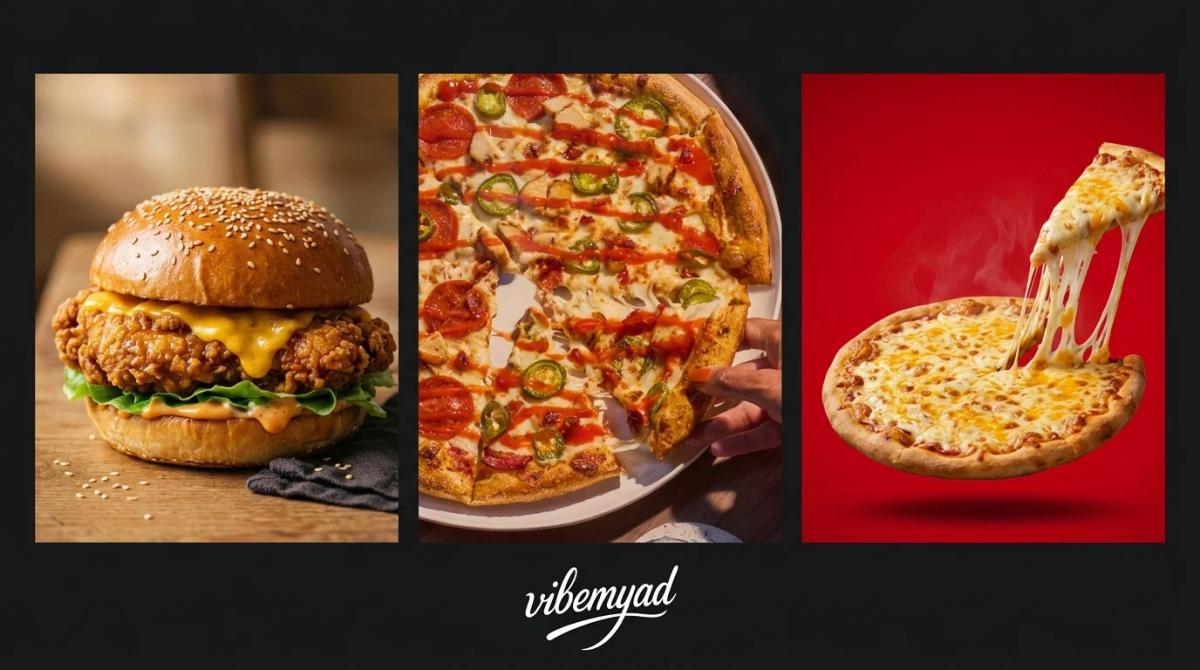
There is a quiet payoff hiding in all of this. Across food and beverage, heavily styled studio shots often lose to images that look like a real person took them at a real table. A glossy studio shot reads as an advertisement, and people scroll past ads. A warm, slightly imperfect, real-looking plate reads as a recommendation, and people stop for those.
Now line that up with the platform rule. Zomato and Swiggy want the photo to match the food that is served, which means the accurate image is the compliant image. And the accurate image, kept warm and cleanly composed, is also the one that converts. So the three things a restaurant owner usually treats as separate fights, looking good, passing moderation, and earning the click, collapse into one decision. Keep the dish real, and you win all three at once. Push the plate past what you serve, and you risk the rejection, the bad review, and the scroll-past in a single move.
That is why a tool grounded on your real dish is not the safe-but-boring option. It is generating the exact image that the platform approves and the feed already rewards.
Food Product Photography AI Cost
A professional food shoot is priced per dish, and the meter never really stops. Depending on the city and whether a stylist is on set, a single dish can run from a few hundred rupees to a few thousand, and several times that in the United States, the United Kingdom, or the Gulf. Then the menu changes, four to six times a year, and you book and pay again. The expense was never just one photo. It was the photo you kept rebuying.
The AI tools in this category are priced like software, not like usage. AdCreative.ai runs on monthly subscriptions, with a Starter plan at around $39 a month and its Professional tier at $249, and download credits that reset every billing cycle. Predis.ai is also subscription-based, starting at around $32 a month and rising to around $250 for its agency tier, on top of a small free tier. The catch with a subscription is always the same: it bills the full amount in a month you ship a campaign, and in a month the kitchen is quiet, and you make nothing. These figures are current as of mid-2026, so confirm the latest rates on each tool's own site.
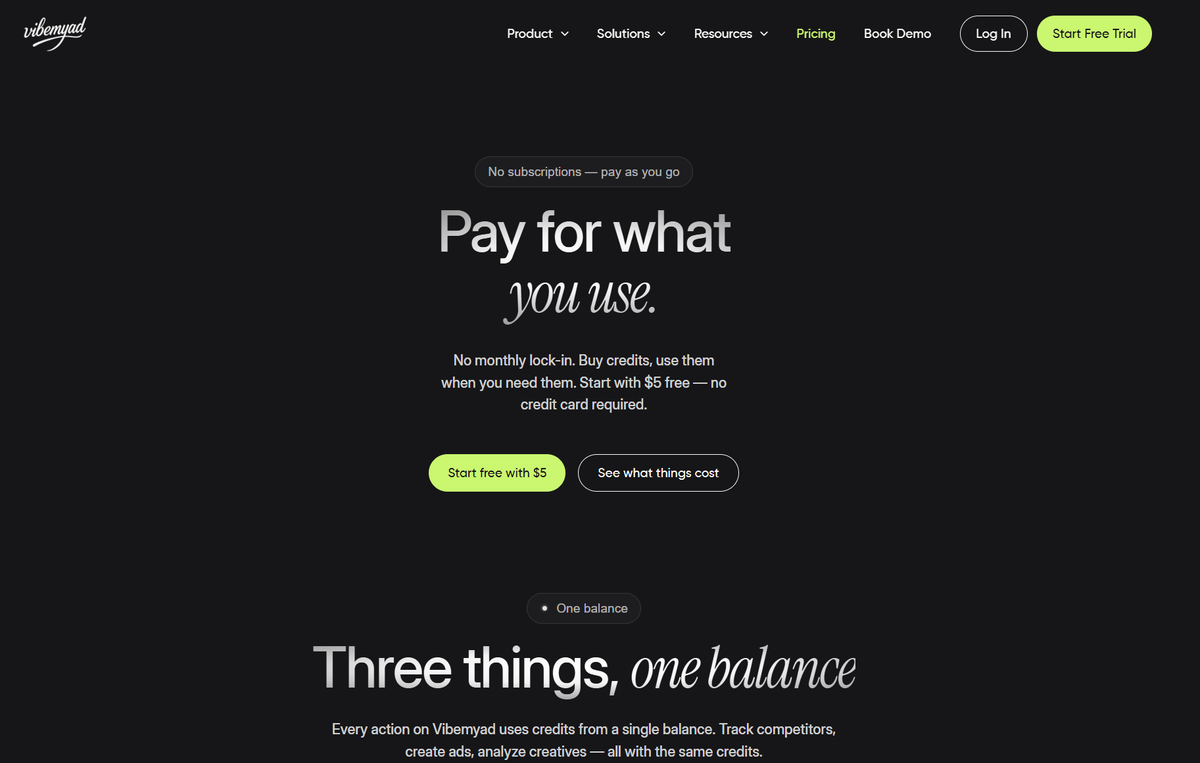
Vibemyad Ad Gen is priced the other way around, on pay-as-you-go credits with no monthly subscription, no auto-renewal, and no lock-in.
Credit-based Pricing by Vibemyad
You start with five dollars in free credits, no credit card required, and credits never expire. A generated image costs $0.30, so that free five dollars covers around sixteen finished visuals, enough to fill a delivery listing or a small feed campaign before you spend anything of your own. The image is the cost that matters here; planning the creative is free, and the short messages you send to steer the agent run a few cents each.
For agency production, request a quote covering the image count, formats, revisions and usage rights. Our service cost breakdown explains how to compare scopes.
The model is the real point. A restaurant's costs move with the menu, not with a billing calendar, so a credit you buy for this month's special is still sitting there when next season's menu lands. You pay in the months you actually generate, which is exactly how a kitchen's visual needs behave. You can see what every action costs on the Vibemyad pricing page before you create an account.
• Zomato and Swiggy auto-reject menu images that are not a clean shot of the real served dish, and clearing that moderation is a question of provenance, not polish, so the photo has to come from your actual plate.
• One dish needs several visuals at different specs, a delivery thumbnail, a Meta feed ad, Stories, and an Instagram tile, and Vibemyad Ad Gen grounds each one on your real dish, audits it, and exports at every Meta and delivery-platform spec in a single session at vibemyad.com/sessions.
• Vibemyad Ad Gen runs on pay-as-you-go credits with five dollars free to start and no subscription, and a generated image costs $0.30, so your cost scales with your menu instead of a fixed monthly fee.
• Accuracy, platform compliance, and conversion are the same choice, because the image that matches the served plate is the one that passes the bot and earns the order.
Vibemyad Ad Gen grounds every visual on your real dish, so the photo passes Zomato and Swiggy's moderation, matches the plate that leaves your kitchen, and ships at every spec.
Get notified when new insights, case studies, and trends go live — no clutter, just creativity.
Table of Contents


Arpita Mahato
Content Writer, Vibemyad

Arpita Mahato
Content Writer, Vibemyad

Arpita Mahato
Content Writer, Vibemyad