October 01, 2026 • 4 min read

October 01, 2026 • 4 min read
Your competitors’ Meta ads are not hidden. You can inspect their active Facebook and Instagram campaigns without accessing their ad account, following their profiles, or waiting for an advertisement to appear in your feed.
The fastest option is the free Meta Ad Library. It shows the public-facing advertisements currently running across Meta technologies.
If you need a broader introduction first, read What Is an Ad Library? on Vibemyad.
Use this process:
1. Open the Meta Ad Library.
2. Select the country where you and the competitor advertise. Choose the United States when researching the US market.
3. Choose “All ads” as the ad category.
4. Enter the competitor’s brand or Facebook Page name.
5. Select the correct advertiser from the suggested Pages.
6. Narrow the results using the available platform, media, language, and date filters.
Searching by the official Page name is usually more reliable than using a broad product keyword. A phrase such as “protein powder” can return unrelated brands, retailers, and resellers. The advertiser’s Page provides a cleaner view of its active campaign activity.
For a more detailed walkthrough, read Vibemyad’s complete Meta Ad Library guide.
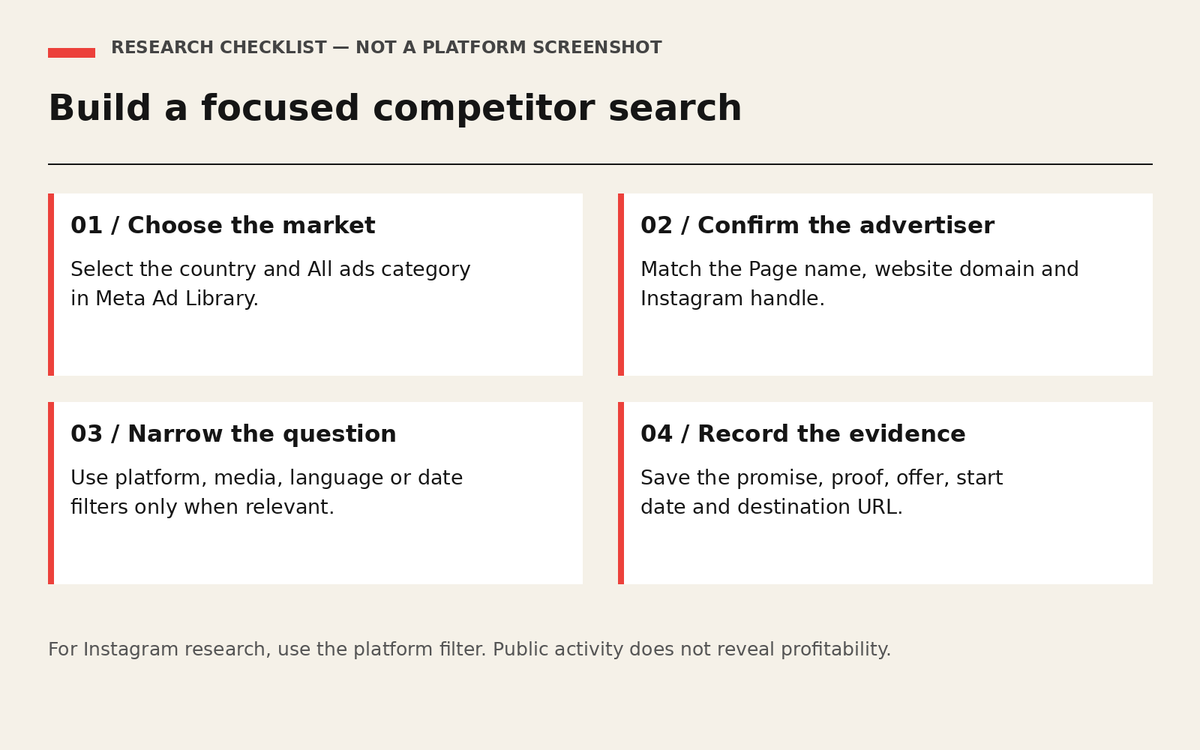
A research checklist for Meta Ad Library; this is a guide, not a platform screenshot.
Facebook and Instagram advertising operate through the same Meta advertising system. You do not need a separate Instagram ad library.
There are two practical methods.
First, search for the advertiser in the Meta Ad Library and select Instagram under the platform filters.
If the Instagram profile exposes an About this account menu with an Active ads link, you can follow it to the Ad Library. If that option is unavailable, search the advertiser directly in Meta Ad Library.
The profile route is especially useful when several businesses have similar names or when the correct Facebook Page is unclear. It helps confirm that you are researching the intended Instagram account.
Do not apply every filter automatically. Choose filters based on the question you need to answer.
A focused search normally begins with the advertiser, country, and active commercial advertisements. Platform and media filters can then answer more specific questions.
Before analyzing the results, verify the Page identity.
Compare the Page name, profile image, website domain, Instagram handle, and destination URL with the competitor’s official website. Regional Pages, distributors, resellers, and unrelated businesses with similar names may appear in the same search.
Also check which Page is associated with the advertisement. A campaign can run through a parent company, regional account, retail partner, or authorized distributor instead of the brand’s primary Page.
A typical Meta Ad Library result can reveal:
• The advertiser and Page identity
• The visible image, video, carousel, or other execution
• The primary text, headline, and call to action
• The Meta platforms on which the advertisement appears
• The date the advertisement started running
• Whether multiple versions are grouped with the entry
Not with certainty. For ordinary commercial advertisements, public research does not reveal the advertiser’s customer acquisition cost, conversion rate, contribution margin, audience targeting, refund rate, or profitability.
For interpretation rather than navigation, read our guide to evaluating competitor ads. Public creative can suggest a question to test; it cannot establish the advertiser's profitability.
For every relevant advertisement, record:
1. The customer problem or desire being addressed.
2. The main promise or product benefit.
3. The proof used to support the claim.
4. The offer and call to action.
5. The format and listed placements.
6. The start date.
7. The landing-page destination.
Do not copy the headline, visual treatment, spokesperson, or layout.
Use the evidence to identify common category promises, frequently addressed objections, and important customer questions that competitors leave unanswered. Then create an original campaign hypothesis supported by your own product evidence.
For help turning the references into a brief, read What Ads Are My Competitors Running? The examples there focus on customer objections and original testing ideas.
If you also need to compare research platforms, review 10 free and paid competitor-ad research tools.
Vibemyad Marketing Agency helps brands compare competitor campaigns, identify recurring market patterns, and translate those findings into differentiated advertising hypotheses.
Get notified when new insights, case studies, and trends go live — no clutter, just creativity.
Table of Contents


Rahul Mondal
Product, Design and Co-founder, Vibemyad

Rahul Mondal
Product, Design and Co-founder, Vibemyad


Arpita Mahato
Content Writer, Vibemyad